

In today’s fast-paced business world, having disconnected systems can slow down processes, create errors, and make decision-making difficult. Many companies use Salesforce to manage customer relationships and sales pipelines, while SAP handles their core business operations, like inventory, finance, and supply chain. But when these systems work separately, teams face data silos, delays, and inefficiencies.
Salesforce + SAP integration solves this problem by connecting these two platforms, allowing data and processes to flow seamlessly between the front office (Salesforce) and the back office (SAP). This guide explains everything you need to know about this integration in simple language, including benefits, challenges, methods, best practices, and practical examples.
1. Understanding Salesforce + SAP Integration
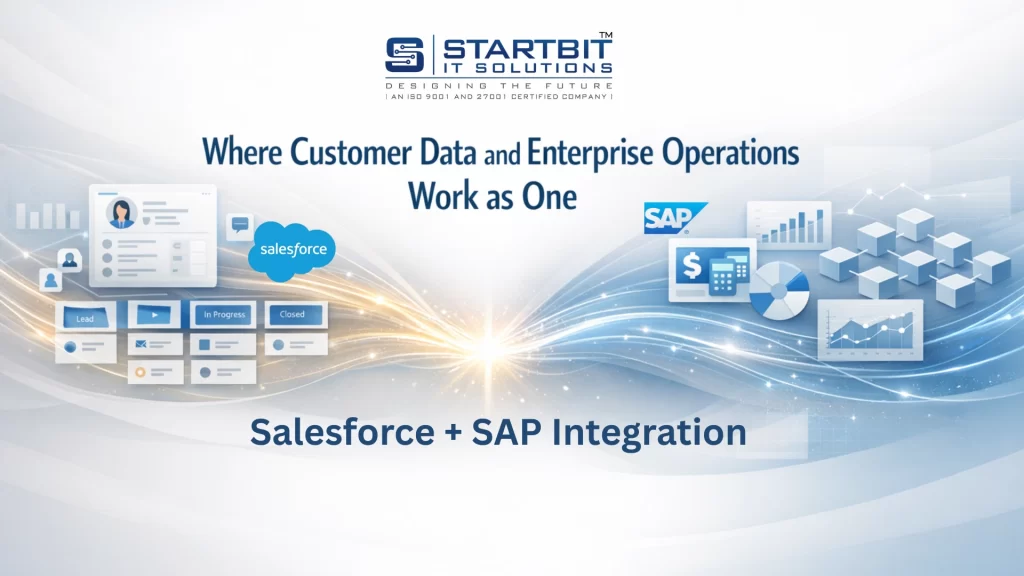
At its simplest, integration means connecting Salesforce and SAP so that both systems can share data automatically. This means that when something happens in Salesforce, SAP can know about it instantly, and vice versa.
For example:
- When a salesperson closes a deal in Salesforce, an order can automatically appear in SAP for processing.
- Inventory levels updated in SAP are reflected immediately in Salesforce, helping sales reps make accurate promises to customers.
- Customer information updated in Salesforce automatically updates in SAP, keeping records consistent across teams.
This integration creates a single source of truth, improving communication, efficiency, and decision-making across the organization.
2. Why Salesforce + SAP Integration Is Crucial
Integration isn’t just a technical requirement; it’s a business necessity. Here’s why:
a) Unified Customer View
With integration, customer data is accessible to all teams – sales, support, finance, and operations. This eliminates confusion caused by inconsistent or outdated information.
Example: A support agent can see not only customer contact details in Salesforce but also the customer’s payment history, order status, and service requests from SAP.
b) Faster Business Processes
Processes that once required manual entry, like transferring a sales order from Salesforce to SAP, become automated. This reduces delays and accelerates business operations.
Example: A sales rep closes a deal → SAP receives order instantly → Warehouse prepares shipment → Invoice is generated automatically.
c) Real-Time Data Synchronization
Integration ensures that data is always up to date. Whether it’s inventory levels, customer records, or financial transactions, both systems reflect accurate information at all times.
Example: If SAP records that a product is out of stock, Salesforce sales reps immediately see it, preventing overselling.
d) Improved Reporting and Analytics
Integration combines data from both systems for richer analytics. Managers can see the full picture – from leads and opportunities to order fulfillment and revenue – enabling better strategic decisions.
e) Enhanced Customer Experience
Customers receive accurate information, timely updates, and quicker responses because teams are working from the same data.
Example: A customer asking about an order shipment can get instant updates from Salesforce without needing SAP access.
f) Cost and Error Reduction
Manual data entry causes mistakes and delays. Automation reduces human error, saves employee time, and ensures processes run smoothly.
3. Common Challenges of Integration
While integration has many benefits, it also comes with challenges:
- Different Data Structures
Salesforce and SAP store data differently. Mapping fields like accounts, contacts, or orders correctly is critical. - Real-Time Synchronization
Syncing large volumes of data in real time can be technically complex, especially for enterprise-grade systems. - Legacy SAP Systems
Older SAP versions may not support modern APIs, requiring additional middleware solutions. - Security and Compliance
Transferring sensitive customer and financial data requires strong encryption, authentication, and adherence to regulations like GDPR. - Cost and Maintenance
Integration may require investment in tools, developer resources, and ongoing monitoring. - User Adoption
Teams need training to understand and use the integrated workflows effectively.
4. How Salesforce + SAP Integration Works
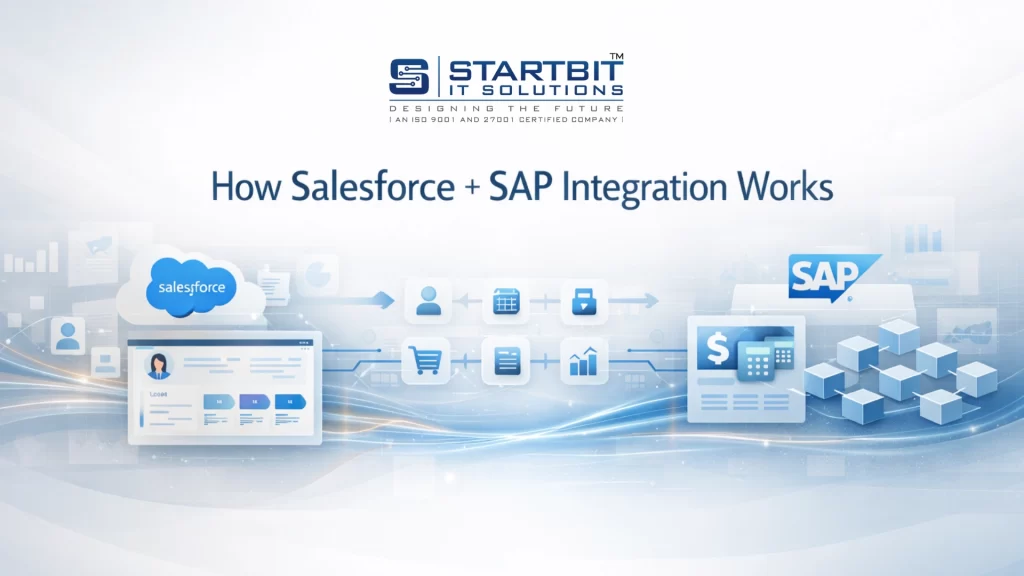
There are several ways to integrate Salesforce with SAP, depending on business needs:
a) Direct API Integration
Both Salesforce and SAP provide APIs (Application Programming Interfaces) to enable direct communication.
- Pros:
- Real-time data transfer
- No extra middleware required
- Cons:
- Requires skilled developers
- Can be harder to maintain as APIs evolve
b) Middleware / Integration Platforms
Middleware platforms like MuleSoft, Dell Boomi, Jitterbit, or SAP CPI act as bridges. They manage data mapping, transformation, orchestration, and error handling.
- Pros:
- Handles complex workflows
- Scalable and reliable
- Supports hybrid cloud/on-premise environments
- Cons:
- Higher cost
- Requires setup and ongoing management
c) Pre-Built Connectors
Some vendors provide ready-made connectors for common integration scenarios, like syncing customers, orders, or invoices.
- Pros:
- Quick to deploy
- Easy to maintain
- Cons:
- Limited customization for unique workflows
d) Custom Integration
For businesses with unique processes, developers can create custom integrations using APIs and coding.
- Pros: Fully tailored to your business needs
- Cons: Higher cost and maintenance effort
5. Real-Life Integration Scenarios
Here are practical examples of how Salesforce + SAP integration is used in businesses:
a) Quote-to-Cash
- Sales teams create quotes in Salesforce.
- Approved quotes automatically move to SAP for order processing, billing, and shipping.
- This reduces delays, errors, and manual work.
b) Opportunity to Order
- Once a sales opportunity is “Closed Won” in Salesforce, an order is generated in SAP.
- The warehouse can immediately fulfill the order, and finance can generate invoices.
c) Customer Data Synchronization
- Customer records updated in Salesforce automatically sync to SAP and vice versa.
- No more conflicting information between departments.
d) Inventory Visibility
- Salesforce displays real-time SAP inventory data for accurate sales commitments.
- Prevents overselling or backorders.
e) Unified Reporting
- Combine Salesforce sales data with SAP operational data for comprehensive dashboards and strategic insights.
6. Benefits of Salesforce + SAP Integration (Detailed)
Let’s explore the benefits in more depth:
- Efficiency and Automation
Manual tasks are automated, freeing employees for higher-value work. - Error Reduction
Synchronization eliminates duplicate or conflicting data entries. - Faster Decision Making
Managers have a complete view of sales, operations, and finance in real time. - Improved Collaboration
Teams across departments work with the same data, reducing miscommunication. - Scalability
Integrated systems grow with your business, easily handling larger volumes of data and transactions. - Customer Satisfaction
Faster response times and accurate information lead to happier customers.
7. Best Practices for Integration
To ensure a successful Salesforce + SAP integration, follow these best practices:
- Set Clear Goals: Define why you are integrating and what business problems you want to solve.
- Map Your Data Carefully: Understand how Salesforce and SAP data fields align, including accounts, orders, invoices, and inventory.
- Choose the Right Integration Method: Select direct API, middleware, pre-built connectors, or custom development based on your business needs and complexity.
- Test Thoroughly: Test in sandbox environments with real data before going live. Check for functionality, performance, and errors.
- Prioritize Security: Ensure strong authentication, encryption, and compliance with regulations like GDPR or CCPA.
- Document Everything: Document integration processes, field mappings, and workflows for future maintenance and upgrades.
- Train Your Team: Employees need to understand how to use the integrated system effectively.
- Monitor and Optimize: Integration requires ongoing monitoring to detect errors and improve performance over time.
8. Popular Tools for Salesforce + SAP Integration
Some tools that make integration easier include:
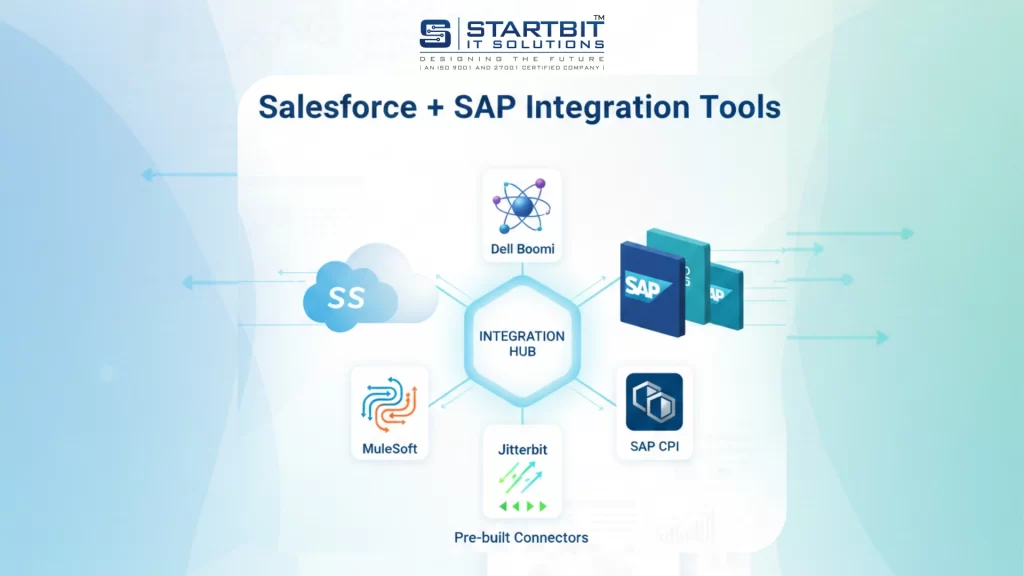
- MuleSoft – Enterprise-grade API management and integration.
- Dell Boomi – Cloud-based iPaaS platform for connecting apps.
- SAP CPI – SAP’s cloud integration platform.
- Jitterbit – User-friendly platform for automation and data sync.
- Pre-built connectors – Available on Salesforce AppExchange or SAP Store for common scenarios.
9. Tips for a Smooth Integration
- Start with the most critical business processes first.
- Use middleware if you have multiple systems or complex workflows.
- Always back up data before major integrations.
- Use sandbox environments for testing and training.
- Monitor data flow and set alerts for synchronization failures.
10. Future of Salesforce + SAP Integration
With cloud technology, AI, and automation advancing, Salesforce + SAP integration will become smarter and more predictive:
- AI can help forecast sales, inventory, and customer needs.
- Automation can handle more tasks without human intervention.
- Real-time analytics will provide instant insights for business growth.
Conclusion
Salesforce + SAP integration is not just about connecting two platforms – it’s about connecting your entire business for better performance and growth. When implemented the right way, it helps teams work with accurate, real-time data, streamlines critical processes like sales, order fulfillment, and finance, and delivers a smooth, consistent experience for customers. It also gives business leaders clear insights to make smarter, faster decisions.
At Startbit IT Solutions, we specialize in delivering reliable and scalable Salesforce and SAP integration solutions. Our team includes certified Salesforce and SAP professionals with strong hands-on experience across multiple industries. We understand both platforms deeply, which allows us to design integrations that are secure, efficient, and aligned with real business goals.
Whether you need API-based integration, middleware solutions, pre-built connectors, or a fully custom integration, our experts follow best practices around planning, testing, security, and long-term optimization. With Startbit IT Solutions as your integration partner, you can confidently connect Salesforce and SAP to build a smarter, faster, and more customer-focused business.