

Salesforce customization is the key to turning a standard CRM into a system that truly fits your business. Instead of forcing teams to adapt to rigid structures, it allows you to shape workflows, data, and processes around your unique needs. From improving efficiency and automating daily tasks to enhancing data accuracy and user experience, customization plays a vital role in how effectively a business uses its CRM. In this complete guide, we’ll explore what Salesforce customization means, how it differs from traditional CRM systems, why it’s important, its key features, best practices, and the real benefits it delivers for long-term business growth.
What Does Customization Mean in CRM?
At its core, Salesforce customization means shaping the CRM to fit your business instead of changing your business to fit the system. Just like redesigning a house to match your lifestyle, customization adjusts Salesforce to reflect your workflows, data, and goals.
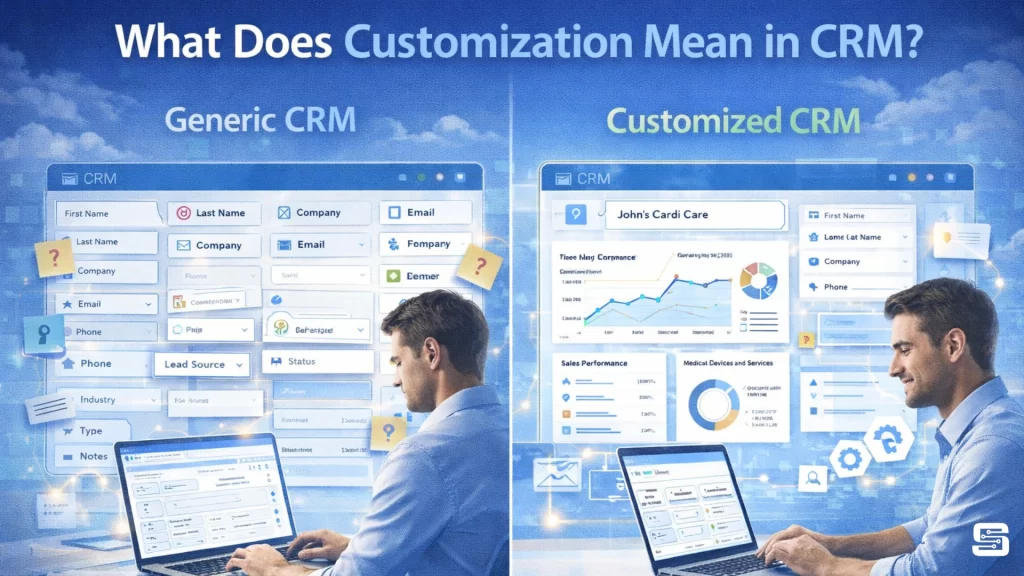
It involves modifying key elements such as data fields, user interfaces, automation, and reports. This allows different businesses to track what truly matters – whether it’s shipment details for logistics or campaign performance for marketing.
The biggest advantage is efficiency. Teams don’t have to deal with unnecessary fields or manual work, which reduces errors and saves time. It also improves user adoption – when the system feels simple and relevant, employees are more likely to use it consistently.
In short, Salesforce customization turns a standard CRM into a practical, business-specific tool that boosts productivity and overall performance.
How Salesforce Differs from Traditional CRM Systems
Traditional CRM systems often operate as rigid frameworks with fixed structures. While they may work in the beginning, they can quickly become restrictive as businesses grow and their needs evolve. Salesforce takes a different approach by offering a flexible, cloud-based platform where customization is built into the core.
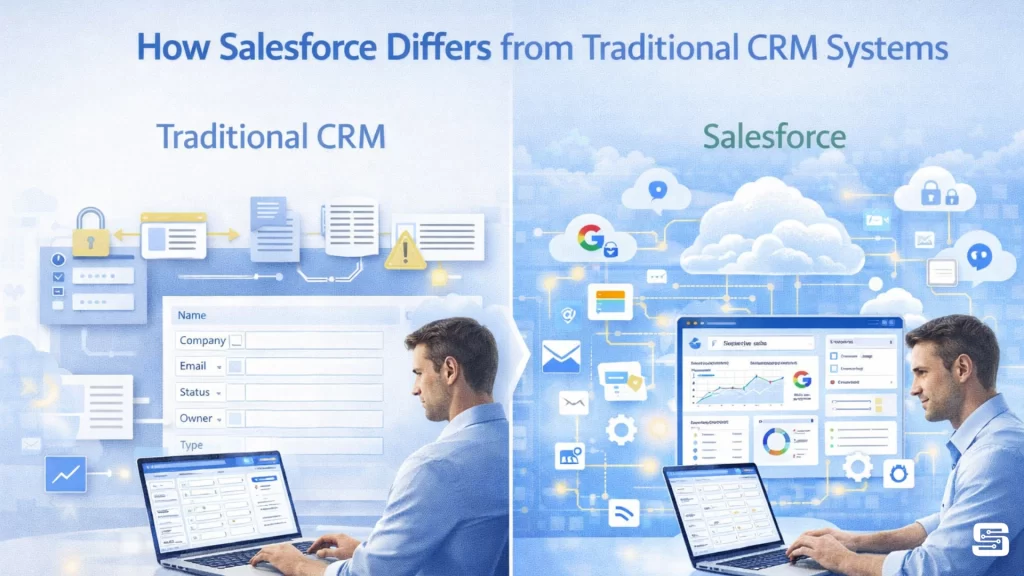
One key difference is accessibility. Salesforce provides low-code and no-code tools, enabling administrators to customize workflows, fields, and processes without heavy technical skills. At the same time, developers can use advanced tools like Apex and Lightning Components to create more complex solutions – making it suitable for businesses of all sizes.
Scalability is another major advantage. Unlike traditional CRMs that may require expensive upgrades or replacements, Salesforce grows with your business. You can add new processes, teams, or features without disrupting existing operations.
Integration also sets Salesforce apart. It easily connects with third-party tools such as marketing platforms, ERP systems, and analytics software. With customization, these integrations work seamlessly, creating a unified and efficient system.
In short, Salesforce is more than just a CRM – it’s a flexible platform that adapts, scales, and integrates, helping businesses grow without limitations.
Why Salesforce Customization is Important

Adapting CRM to Unique Business Models
Every business works differently, even within the same industry. That’s why Salesforce customization is essential. A standard CRM may be a good starting point, but it often doesn’t fit specific business needs.
For example, a real estate company tracks property listings and client visits, while a SaaS business focuses on subscriptions and user data. Using the same default setup for both would create confusion.
Customization allows businesses to create their own fields, workflows, and processes. This ensures the system matches real operations, making work faster and more efficient.
It also helps businesses adapt as they grow. New services, changes in processes, or evolving customer needs can be easily managed without rebuilding the entire system.
In short, Salesforce customization makes the CRM flexible, efficient, and ready to grow with your business.
Impact on Productivity and ROI
Salesforce customization isn’t just about making things easier – it directly impacts business results. By automating repetitive tasks and simplifying workflows, it helps teams work faster and focus on important activities.
For example, tasks like lead assignment, follow-ups, and data updates can be automated. This reduces errors and keeps processes consistent, improving overall productivity.
It also improves data accuracy. With proper fields and validation rules, businesses get clean and reliable data, leading to better decisions and reporting.
From a cost perspective, customization saves money by increasing efficiency and reducing manual work. It also improves customer experience, which helps retain more customers.
In the long run, it supports business growth. Instead of changing your CRM, you can simply upgrade and expand it as your business evolves.
Key Features of Salesforce Customization
Custom Objects and Fields
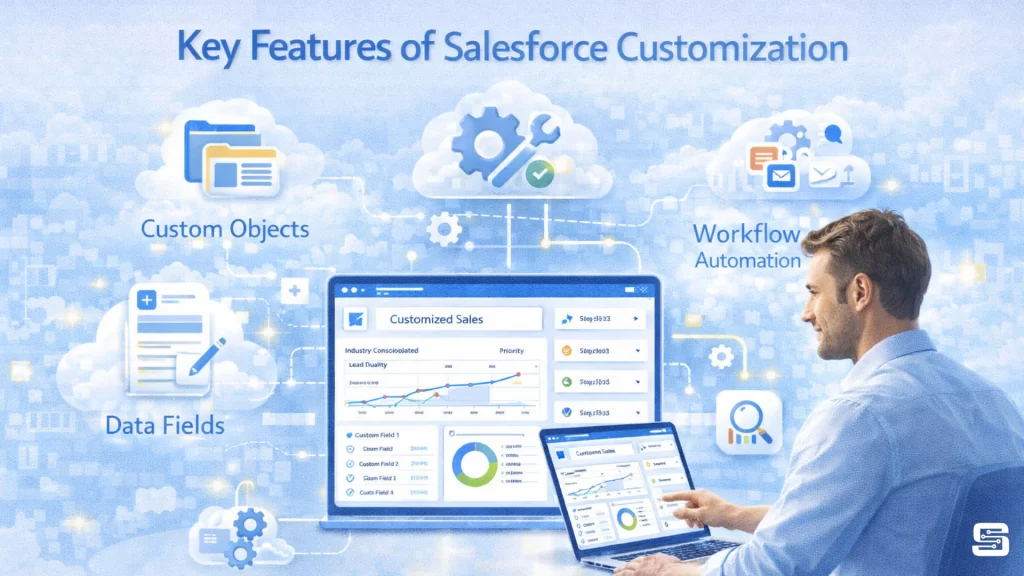
One of the most powerful aspects of Salesforce customization is the ability to create custom objects and fields. These allow businesses to store and organize data that goes beyond the standard CRM structure. Instead of being limited to accounts, contacts, and opportunities, you can define objects that reflect your unique operations.
Custom fields add another layer of flexibility. They allow you to capture specific details that matter to your business, whether it’s customer preferences, contract terms, or internal metrics. This ensures that all relevant information is stored in one place and easily accessible.
The real advantage here is precision. Instead of forcing your data into predefined categories, you build categories that fit your data. This leads to better organization, improved reporting, and more meaningful insights.
Real-World Examples of Custom Objects
Consider a construction company managing multiple projects. Standard CRM objects wouldn’t fully capture their needs. By creating a “Projects” custom object, they can track timelines, budgets, and resources in one centralized location.
Similarly, a recruitment agency might create objects for candidates, job applications, and interviews. This allows them to manage the entire hiring process within Salesforce, eliminating the need for external tools.
These examples highlight how customization turns Salesforce into a tailored solution rather than a generic platform.
Page Layouts and User Interface Personalization
A cluttered interface can slow down even the most skilled teams. That’s why page layout customization is so valuable. It allows businesses to design interfaces that display only the most relevant information for each user role.
For example, a sales representative might need quick access to leads and opportunities, while a manager focuses on performance metrics and forecasts. Custom layouts ensure each user sees exactly what they need – nothing more, nothing less.
This level of personalization improves efficiency and reduces confusion. Users spend less time searching for information and more time acting on it. It also enhances user satisfaction, making the CRM easier and more enjoyable to use.
Workflow Automation Tools
Automation is where Salesforce truly shines. By using tools like Flows and Process Builder, businesses can eliminate repetitive tasks and streamline operations.
Automation ensures consistency. Tasks are completed the same way every time, reducing errors and improving reliability. It also frees up valuable time, allowing employees to focus on higher-value activities.
Popular Automation Use Cases
Some common automation examples include:
- Automatically assigning leads to sales reps
- Sending follow-up emails after customer interactions
- Updating records based on predefined triggers
These may seem like small tasks, but when automated, they save hours of work and significantly improve efficiency.
Validation Rules for Data Accuracy
Data is only valuable if it’s accurate. Validation rules ensure that incorrect or incomplete information doesn’t enter the system. They act as quality control mechanisms, enforcing consistency across all records.
For example, you can require certain fields to be filled before saving a record or enforce specific formats for data entry. This reduces errors and ensures that reports and analytics are based on reliable information.
Reports and Dashboards
Customized reports and dashboards provide real-time insights into business performance. Instead of relying on generic reports, businesses can create visualizations tailored to their specific goals.
Here’s a quick comparison:
| Feature | Standard Reports | Customized Reports |
| Flexibility | Limited | Highly flexible |
| Relevance | Generic | Business-specific |
| Insights | Basic | Advanced & actionable |
These tools help decision-makers identify trends, track performance, and make informed choices quickly.
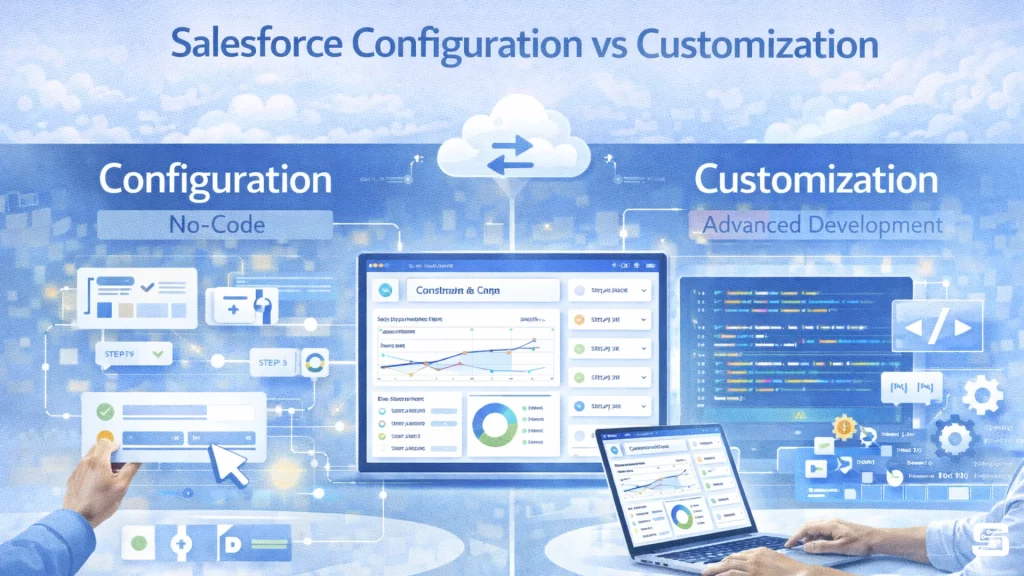
Salesforce Configuration vs Customization
Key Differences Explained
While often used interchangeably, configuration and customization are not the same. Configuration involves using built-in tools without coding, while customization includes advanced changes that may require development.
Configuration is quicker and easier, but customization offers greater flexibility. Both play important roles in building an effective CRM system.
When to Use Configuration vs Customization
Use configuration for simple adjustments like field creation or workflow setup. Choose customization when you need complex logic, integrations, or unique functionalities.
A balanced approach ensures efficiency without unnecessary complexity.
Best Practices for Salesforce Customization
Planning and Requirement Gathering
Successful customization starts with clear planning. Businesses need to understand their processes, goals, and challenges before making changes. This ensures the system is designed with purpose rather than guesswork.
Avoiding Over-Customization
Too much customization can make the system complex and difficult to manage. It’s important to focus on what truly adds value and avoid unnecessary features.
Testing and Deployment Strategies
Testing is crucial. Every customization should be thoroughly tested before deployment to ensure it works as expected. This minimizes risks and ensures a smooth transition.
Benefits of Salesforce Customization
Salesforce customization goes beyond basic adjustments – it transforms the CRM into a system that works exactly the way your business operates. Here are the key benefits explained in depth:
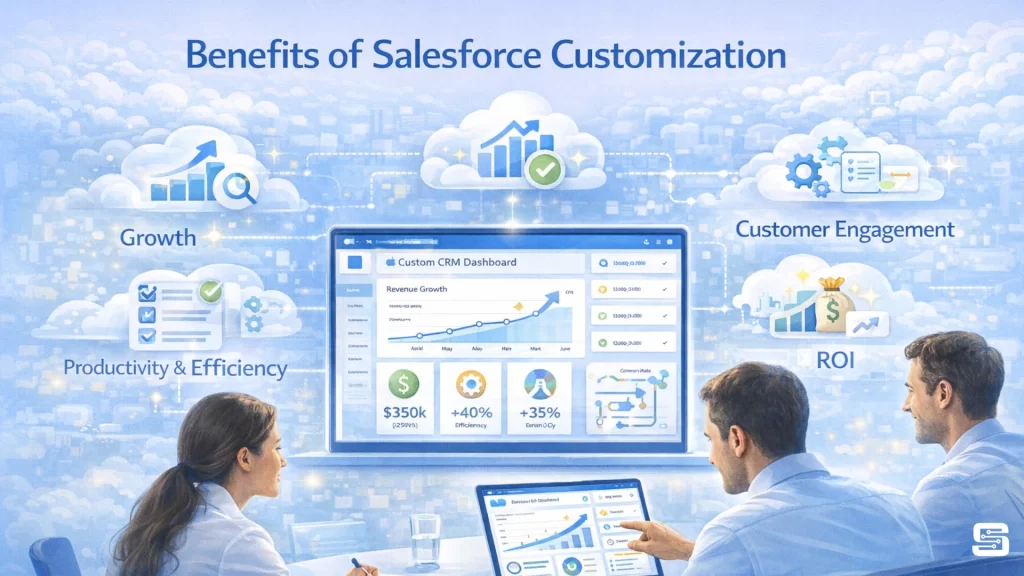
1. Improved Productivity and Efficiency:
Customization removes unnecessary steps and automates repetitive tasks like lead assignment, follow-ups, and approvals. This allows employees to focus on high-value work instead of manual processes, leading to faster execution and better output.
2. Better Data Accuracy and Insights
With customized fields, validation rules, and structured data entry, businesses maintain clean and reliable data. Accurate data improves reporting, forecasting, and decision-making, helping leaders make smarter strategic choices.
3. Higher User Adoption
When the system matches real workflows, it becomes easier and more intuitive for employees to use. A customized Salesforce feels relevant, which increases user engagement and ensures teams actually rely on the CRM in their daily work.
4. Scalability and Flexibility
As businesses grow, their processes change. Salesforce customization allows you to easily add new features, workflows, or departments without disrupting existing operations. This ensures your CRM evolves with your business.
5. Enhanced Customer Experience
Customization helps businesses track detailed customer interactions and personalize communication. This leads to better relationships, faster responses, and improved customer satisfaction and retention.
6. Seamless Integration
Salesforce can be customized to integrate smoothly with third-party tools like marketing platforms, ERP systems, and analytics software. This creates a unified ecosystem where all systems work together efficiently.
7. Cost Savings and Higher ROI
By reducing manual work, minimizing errors, and improving efficiency, customization lowers operational costs. Over time, these improvements lead to a strong return on investment.
8. Competitive Advantage
A customized CRM allows businesses to operate more efficiently and respond quickly to market changes. This flexibility and speed give companies an edge over competitors using rigid systems.
9. Continuous Improvement and Innovation
Customization enables businesses to experiment with new workflows, automation, and strategies. Instead of being limited by the system, teams can continuously improve processes and adapt to new opportunities.
Conclusion
Salesforce customization transforms a standard CRM into a powerful, business-specific tool. By aligning the platform with your processes, automating workflows, and improving data accuracy, it unlocks new levels of efficiency and productivity. Instead of adapting to the system, the system adapts to you – and that’s where real value is created.
If you need expert support in your Salesforce journey, Startbit IT Solutions can help you design, customize, and scale your CRM to match your business goals effectively.
FAQ:
It’s the process of modifying Salesforce to match your business needs, making it more efficient and user-friendly.
Not always. Many features can be customized using no-code tools, but advanced changes may require coding.
Configuration uses built-in tools without coding, while customization involves deeper changes, sometimes with code.
It depends on complexity. Simple changes can take hours, while advanced customizations may take weeks or months.
It improves efficiency, enhances user experience, and helps businesses align their CRM with their unique processes.