

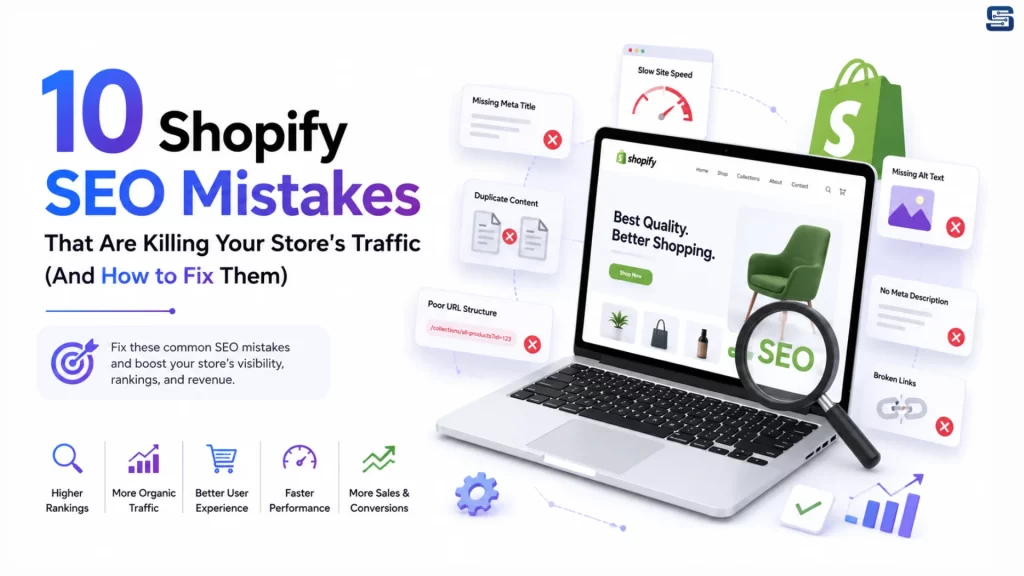
Running a Shopify store has never been easier, but standing out in today’s competitive ecommerce landscape is more challenging than ever. Every month, thousands of new online stores compete for visibility on Google, making Search Engine Optimization (SEO) one of the most valuable long-term investments for sustainable business growth.
Many Shopify merchants invest heavily in paid advertising while overlooking critical SEO issues that quietly reduce search rankings, organic traffic, and sales. Even stores with outstanding products can struggle to attract customers due to poor technical SEO, duplicate content, slow-loading pages, weak keyword strategies, or an unoptimized site structure.
The good news? Most of these SEO mistakes are completely fixable.
In this guide, we’ll explore the 10 most common Shopify SEO mistakes, explain why they matter, and show you practical ways to fix them.
Why Shopify SEO Matters
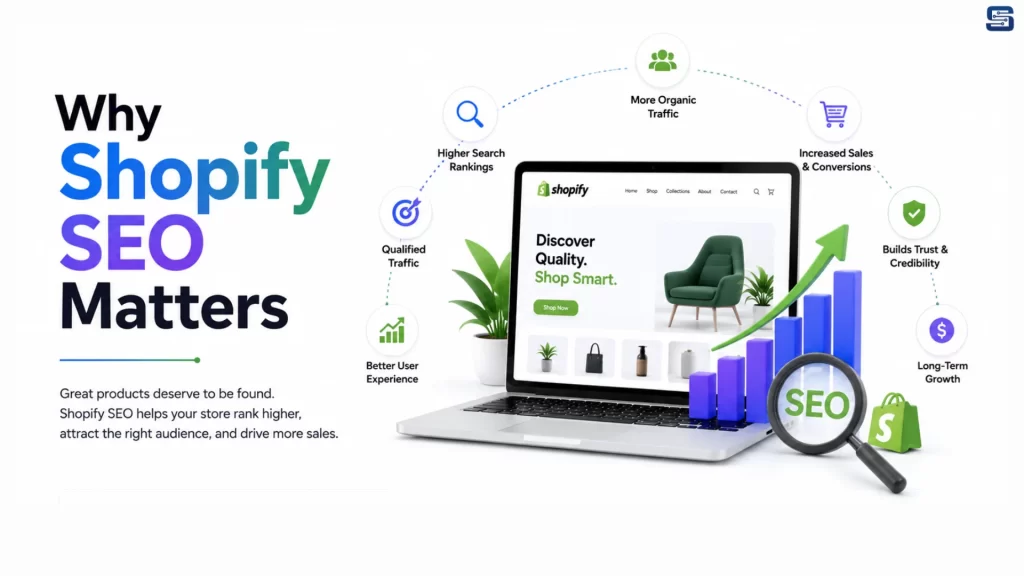
SEO is one of the highest-converting marketing channels because it brings visitors who are actively searching for your products.
Unlike paid advertising, SEO continues to generate qualified traffic without paying for every click.
Benefits of Strong Shopify SEO
- Higher Google rankings
- Increased organic traffic
- Better customer trust
- Lower customer acquisition costs
- Higher conversion rates
- Sustainable long-term revenue
- Stronger brand authority
When your Shopify store ranks on the first page of Google, customers are significantly more likely to discover your business before they find your competitors.
Why Shopify Stores Lose Organic Traffic
Many Shopify businesses experience declining search traffic without realizing the root causes.
Some of the most common reasons include:
- Duplicate product pages
- Poor keyword targeting
- Thin product descriptions
- Slow website performance
- Broken internal links
- Missing structured data
- Weak mobile experience
- Poor image optimization
- Low-quality content
- Technical SEO issues
Mistake #1: Ignoring Keyword Research
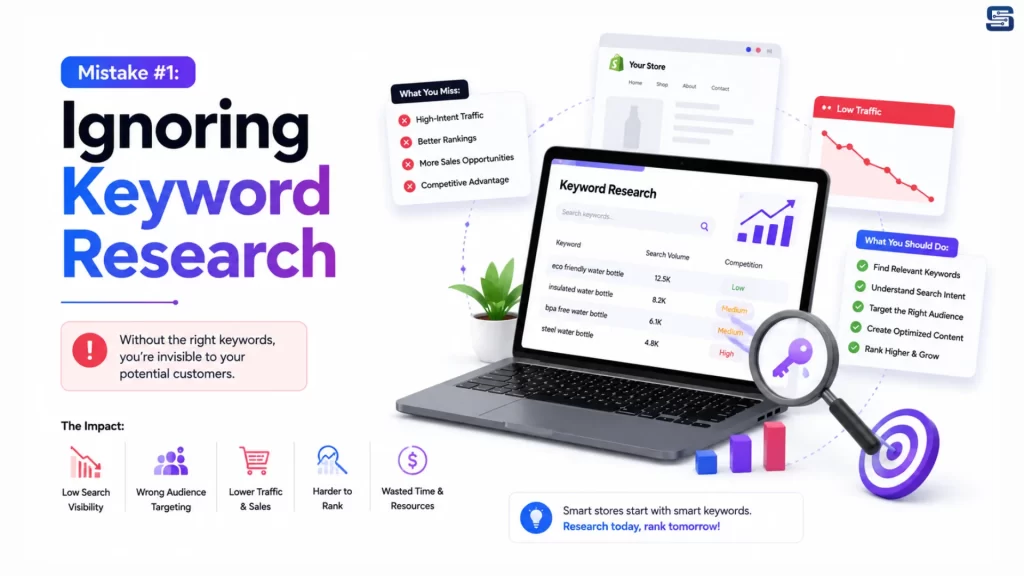
Many Shopify store owners optimize their pages using keywords they think customers search for instead of relying on actual search data.
Without proper keyword research:
- Products don’t rank for relevant searches.
- The wrong audience visits your store.
- Conversion rates decrease.
- Competitors capture your traffic.
Example
❌ Shoes
- Men’s Running Shoes
- Waterproof Hiking Shoes
- Women’s White Sneakers
- Leather Chelsea Boots
Long-tail keywords typically have:
- Higher purchase intent
- Less competition
- Better conversion rates
Best Keyword Research Tools
- Google Keyword Planner
- Google Search Console
- Ahrefs
- SEMrush
- Ubersuggest
- Keywords Everywhere
Best Practices
- Research keywords before creating products
- Optimize collection pages
- Target long-tail keywords
- Use semantic keywords
- Avoid keyword stuffing
Mistake #2: Duplicate Content Across Your Shopify Store
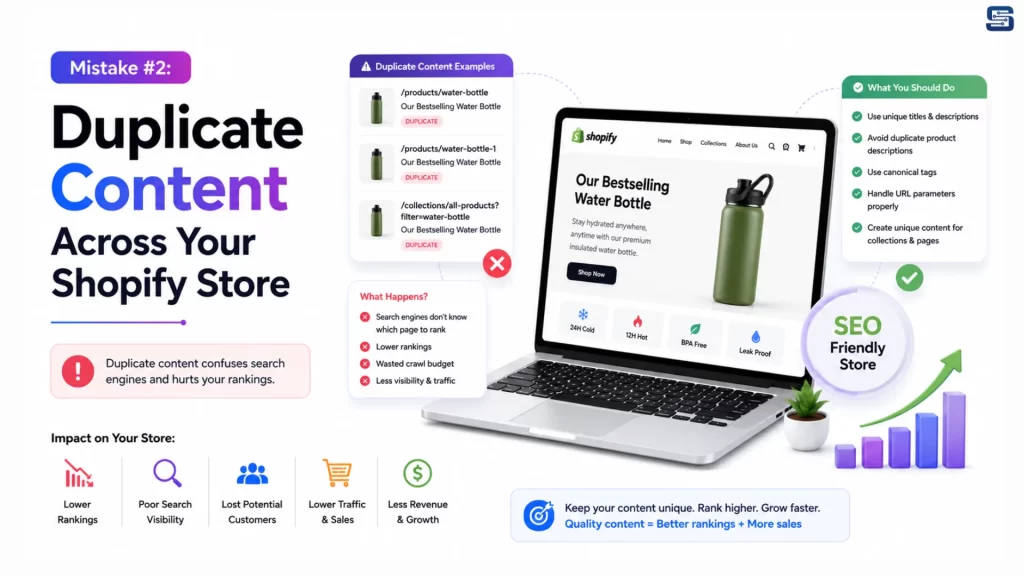
Shopify automatically generates multiple URLs for the same product through collections, tags, filters, and product variants.
For example:
- /products/product-name
- /collections/shoes/products/product-name
- /collections/sale/products/product-name
- /products/product-name?variant=123
This confuses search engines and dilutes your ranking signals.
Common Causes
- Product variants
- Collection filters
- Pagination
- Manufacturer descriptions
How to Fix It
- Use canonical URLs
- Write unique product descriptions
- Prevent filtered pages from being indexed
- Create original collection content
- Publish unique blog articles
Mistake #3: Writing Thin Product Descriptions
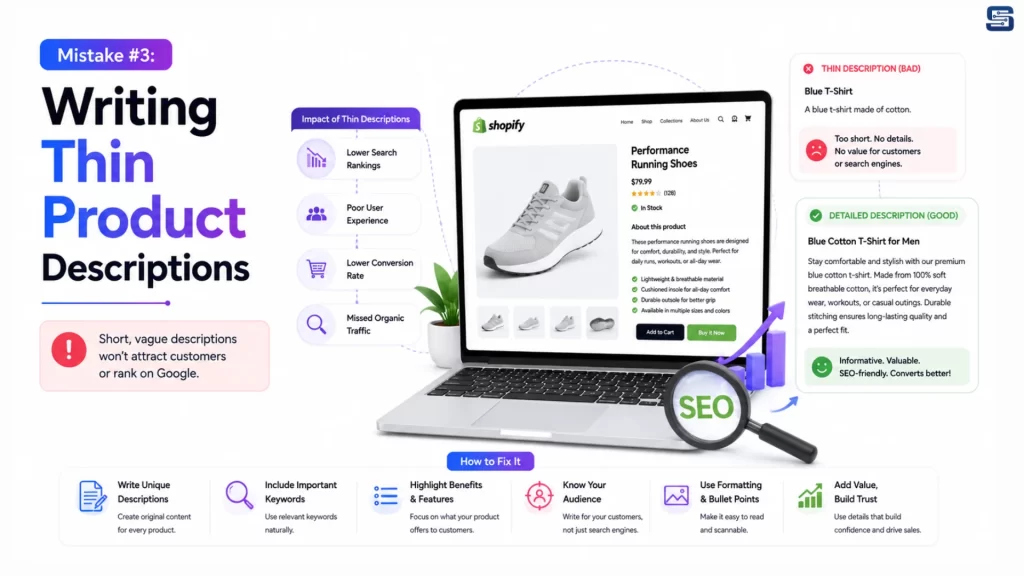
One of the biggest SEO mistakes is copying product descriptions directly from suppliers.
Poor Example
Cotton T-shirt available in blue.
Better Example
This premium cotton T-shirt is made from breathable, lightweight fabric designed for all-day comfort. It features reinforced stitching, moisture-wicking technology, multiple color options, and a modern fit suitable for casual and everyday wear.
Every Product Page Should Include
- Main keyword
- Secondary keywords
- Features
- Benefits
- Materials
- Product specifications
- Dimensions
- Warranty
- FAQs
- Shipping details
- Return policy
Detailed descriptions improve both search rankings and conversions.
Mistake #4: Poor Image Optimization
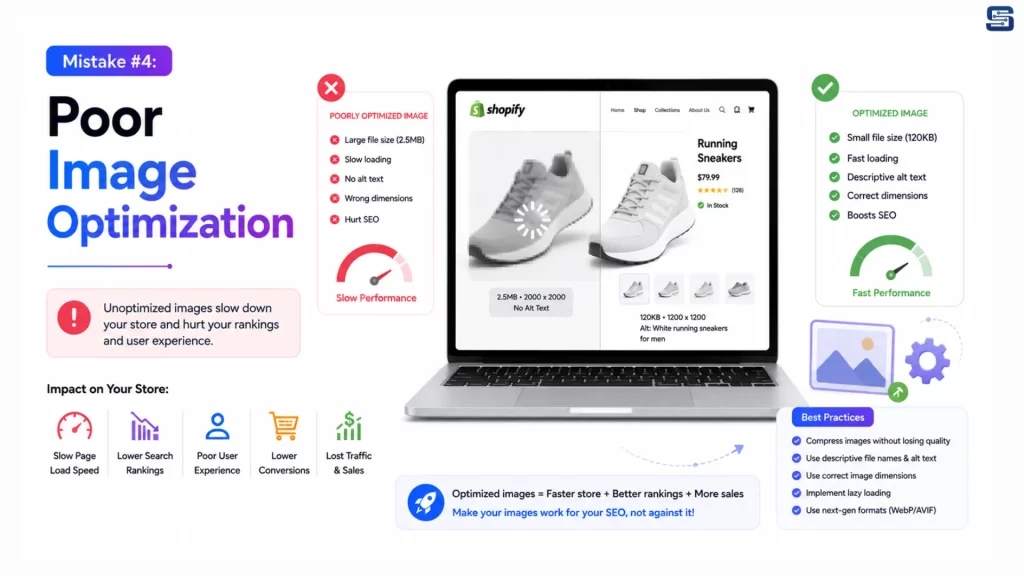
Large, unoptimized images are one of the biggest reasons Shopify stores become slow.
This negatively impacts:
- Core Web Vitals
- User Experience
- Mobile Performance
- Bounce Rate
- Search Rankings
Best Practices
- WebP format
- Responsive images
- Compression
- Lazy loading
- Shopify CDN
File Name Example
- ❌ IMG00394.jpg
- ✅ black-leather-office-chair.jpg
Write Descriptive Alt Text
- ❌ image1
- ✅ Men’s waterproof hiking boots in brown leather
Mistake #5: Slow Shopify Store Speed
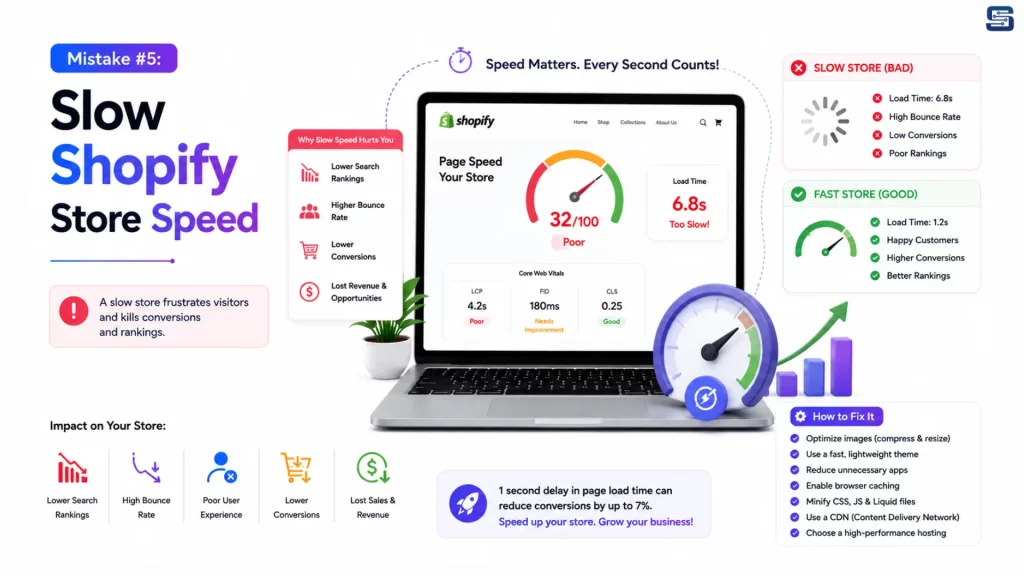
Google officially considers website speed a ranking factor. Even a one-second delay in loading can significantly reduce conversions.
Common Causes
- Heavy themes
- Oversized images
- Too many Shopify apps
- Excessive JavaScript
- Auto-playing videos
- Unoptimized fonts
How to Improve Speed
- Remove unused apps
- Compress images
- Convert images to WebP
- Minify CSS and JavaScript
- Enable lazy loading
- Use Shopify’s CDN
- Clean unused theme code
Mistake #6: Poor URL Structure
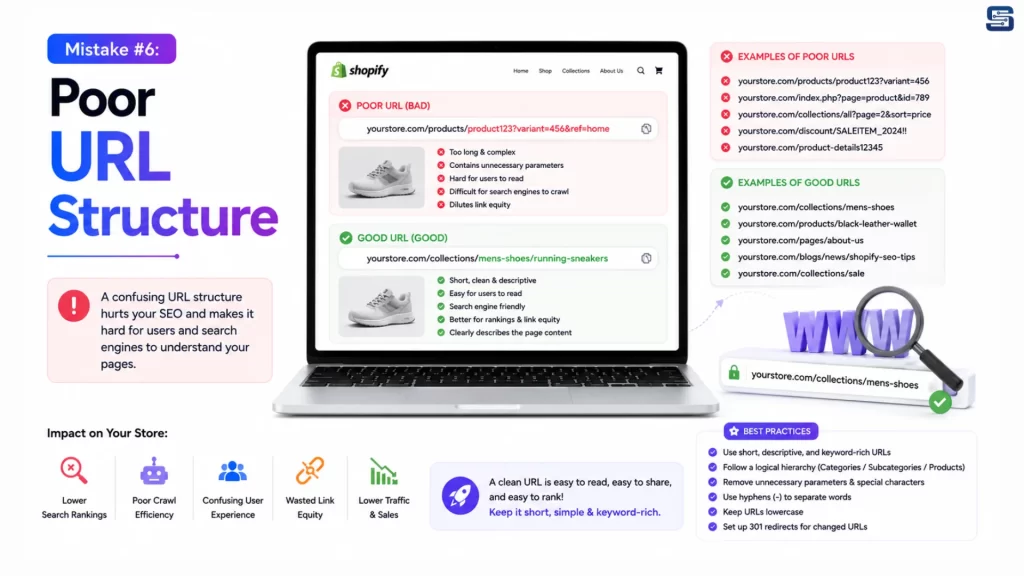
Clean URLs improve both user experience and SEO.
Poor URL
/products/item-2356-x8
Better URL
/products/mens-waterproof-hiking-boots
URL Best Practices
- Keep URLs short
- Include target keywords
- Avoid numbers
- Use hyphens
- Avoid unnecessary URL changes
Mistake #7: Weak Internal Linking
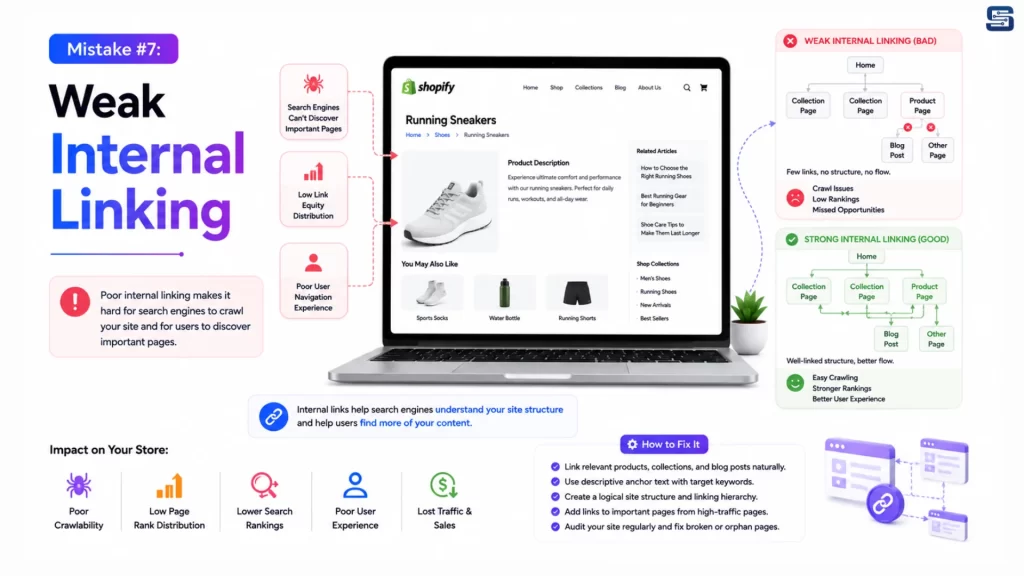
Internal links help Google discover your pages while passing authority throughout your website.
Add Internal Links Between
- Blog posts → Products
- Products → Collections
- Collections → Buying guides
- Homepage → Best sellers
- Related products
Benefits
- Better crawlability
- Higher page authority
- Lower bounce rate
- Longer session duration
- Improved product discovery
Mistake #8: Ignoring Structured Data (Schema Markup)
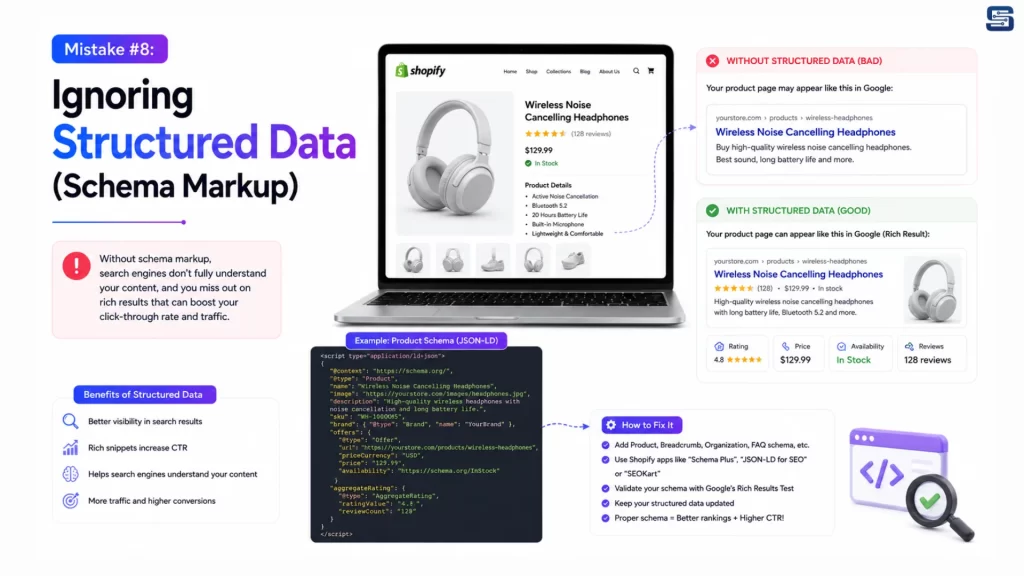
Schema helps search engines better understand your content and display rich results.
Important Schema Types
- Product Schema
- Review Schema
- Organization Schema
- Breadcrumb Schema
- FAQ Schema
- Article Schema
Benefits
- Rich snippets
- Star ratings
- Price visibility
- Stock information
- Higher click-through rates
Always validate your schema using Google’s Rich Results Test.
Mistake #9: Neglecting Mobile SEO
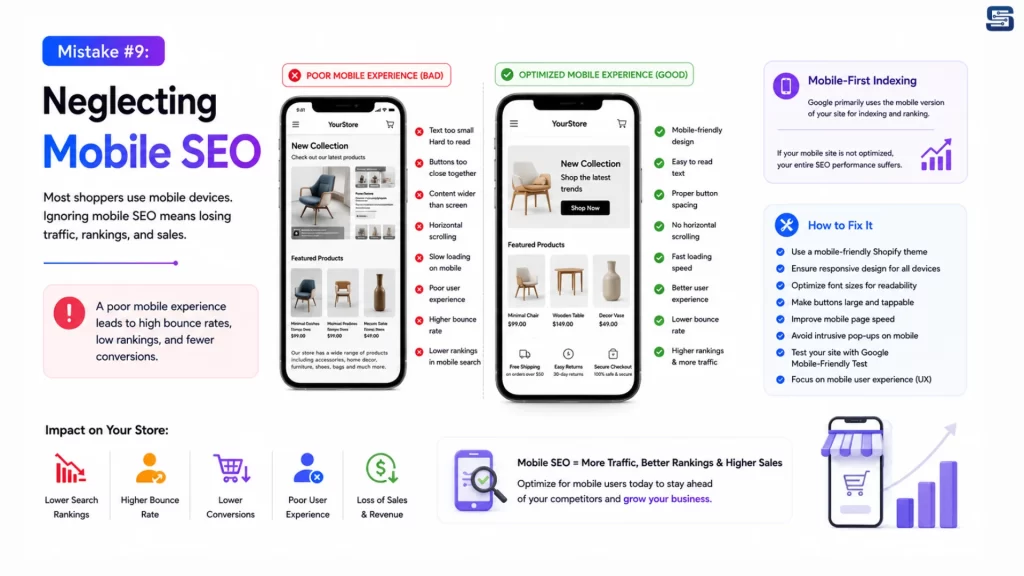
Today, most ecommerce traffic comes from mobile devices. A poor mobile experience directly affects rankings and conversions.
Mobile SEO Checklist
- Responsive design
- Fast loading speed
- Readable fonts
- Easy navigation
- Large touch targets
- Optimized checkout
- Minimal pop-ups
Mistake #10: Not Tracking SEO Performance
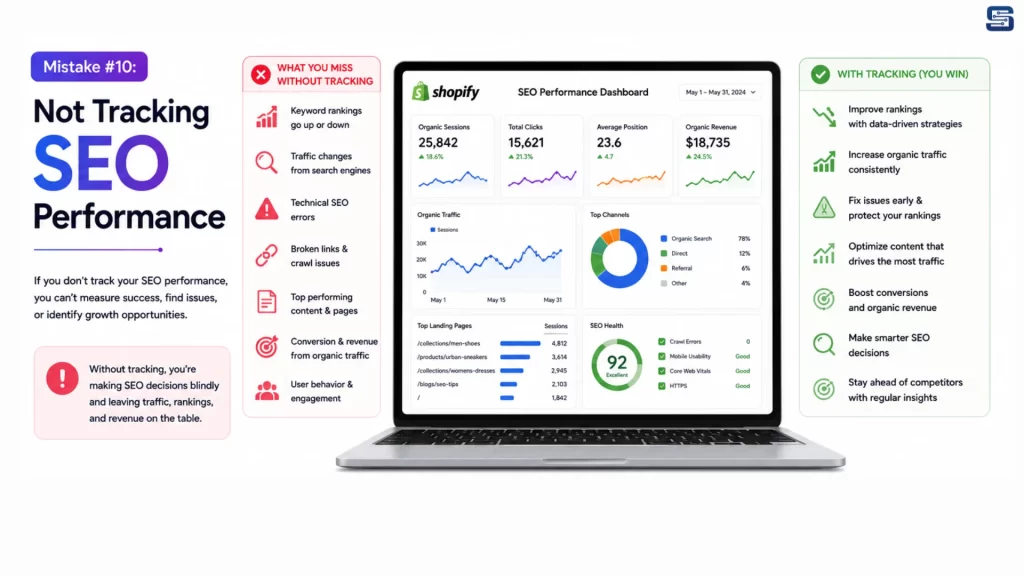
If you don’t measure your SEO performance, you can’t improve it.
Essential SEO Tools
| Tool | Purpose |
| Google Search Console | Indexing & performance |
| Google Analytics 4 | User behavior |
| Ahrefs | Keyword & backlink research |
| SEMrush | Competitor analysis |
| Screaming Frog | Technical SEO audits |
| PageSpeed Insights | Performance optimization |
| GTmetrix | Speed testing |
Important Metrics
- Organic traffic
- Keyword rankings
- CTR
- Bounce rate
- Conversion rate
- Indexed pages
- Core Web Vitals
- Backlinks
Complete Shopify SEO Checklist
| Task | Frequency |
| Keyword Research | Monthly |
| Content Updates | Monthly |
| Product Description Review | Quarterly |
| Image Optimization | Monthly |
| Broken Link Audit | Monthly |
| Technical SEO Audit | Quarterly |
| Speed Optimization | Monthly |
| Schema Validation | Quarterly |
| Internal Linking | Monthly |
| Backlink Analysis | Monthly |
| XML Sitemap Review | Quarterly |
| Google Search Console Review | Weekly |
Final Thoughts
Shopify SEO isn’t a one-time task – it’s an ongoing process that requires continuous optimization of technical performance, content quality, user experience, and website architecture.
By avoiding these ten common SEO mistakes, you can improve your search rankings, attract more qualified visitors, increase conversions, and build a stronger foundation for sustainable ecommerce growth.
Grow Your Shopify Store with Startbit IT Solutions
Whether you’re launching a new Shopify store or looking to improve an existing one, Startbit IT Solutions provides end-to-end Shopify SEO services tailored to your business goals.
Ready to grow your Shopify store?
Contact Startbit IT Solutions today for a comprehensive Shopify SEO audit and a customized strategy designed to deliver sustainable ecommerce growth.