Shopify Traffic & Customer Acquisition Strategies That Actually Work

Shopify Traffic & Customer Acquisition Strategies That Actually Work

Shopify
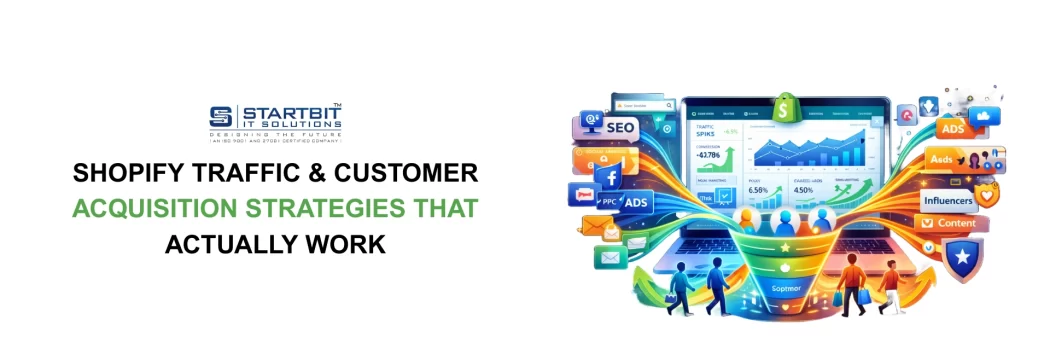
1. Traffic & Customer Acquisition Traffic is like fuel for your store. But remember -  quality traffic matters more than quantity.  Main traffic sources:  Organic (SEO, blogs, social media).  Paid (ads, influencer promotions).  Referral (word-of-mouth, affiliates).  A balanced mix keeps your business stable.  2. Content Marketing & SEO  SEO is your long-term growth engine. It brings free, consistent traffic.  Good content ideas:  Blog posts answering customer questions.  Buying guides and comparisons.  Optimized product descriptions.  FAQs and educational content.  SEO builds trust and authority over time.  3. Social Media & Community Growth Social media is where you connect directly with customers.  Best practices:  Short videos (Reels, TikTok).  User-generated content.  Polls and interactive posts.  Behind-the-scenes stories.  Communities create loyal fans who buy again and again.  4. Paid Advertising Ads can speed up growth, but only…
Read More
Shopify Bundler App: Increase Your Store’s Average Order Value with SB Product Bundler

Shopify Bundler App: Increase Your Store’s Average Order Value with SB Product Bundler

Shopify
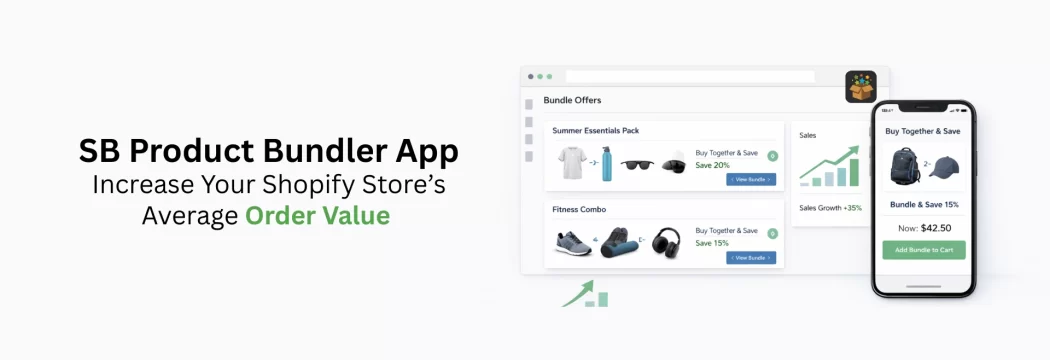
In today’s competitive eCommerce market, driving traffic is only half the battle. The real growth comes from increasing how much customers spend per order. A Shopify bundler app is one of the most effective tools to achieve this - and that’s exactly where SB Product Bundler comes in. SB Product Bundler is a powerful yet easy-to-use Shopify app designed to help merchants boost sales by creating smart, customizable product bundles that encourage customers to buy more in a single purchase. Why a Shopify Bundler App Is Essential for Growth Product bundling is a proven eCommerce strategy used by top-performing Shopify stores. Instead of selling products individually, bundles combine related items into a single offer, making the purchase decision easier and more valuable for customers. Using a Shopify bundler app helps…
Read More
How to Optimize Your Shopify Store for Conversions & Revenue Growth

How to Optimize Your Shopify Store for Conversions & Revenue Growth

Shopify
1. Store Optimization for Conversions Your store should make shopping easy and enjoyable. Even small changes can boost sales.  Key areas to optimize:  Mobile-friendly design.  Fast loading speed.  Clear navigation.  High-quality product images.  Simple, secure checkout.  Think of your store as a guide that smoothly leads visitors to purchase. 2. Increasing Average Order Value (AOV)  Boosting AOV means earning more from each order.  Tactics:  Product bundles.  Upsells and cross-sells.  Free shipping thresholds.  Quantity discounts.  Customers feel they’re getting more value.  3. Conversion Rate Optimization (CRO)  CRO is about making your existing traffic more effective.  Focus areas:  Headlines and product copy.  Reviews and trust signals.  Smooth checkout flow.  Product page layout.  Test, improve, repeat.  4. Analytics & Data Data helps you make smart decisions instead of guessing.  Track:  Conversion rate.  Customer acquisition cost.  Average order value.  Customer lifetime…
Read More
Shopify Business Growth Strategy: Building a Strong Foundation for Success

Shopify Business Growth Strategy: Building a Strong Foundation for Success

Shopify
1. Introduction  Starting a Shopify store is exciting, but making it successful takes more than just launching. Many people open their store, add products, and wait for sales - but growth doesn’t happen by chance. You need a clear plan that guides you step by step.  This guide is made for:  Beginners starting their first Shopify store  Store owners who want more sales but feel stuck  Brands that want to grow steadily without burning out  The goal is simple: help you avoid mistakes, make smart choices, and build a business that lasts for years. 2. Understanding the Shopify Growth Journey  Think of your Shopify store like a journey. Every store goes through stages, and knowing where you are helps you focus on the right strategies.  Launch: Setting up your store, adding products, and getting first visitors.  Validation: Getting consistent sales and…
Read More
Shopify Business & Growth Strategies 

Shopify Business & Growth Strategies 

Shopify
Table of Contents  1. Introduction  2. Understanding the Shopify Growth Journey  3. Building a Strong Foundation   4. Product & Market Fit  5. Branding for Long-Term Growth  6. Store Optimization for Conversions   7. Traffic & Customer Acquisition  8. Content Marketing & SEO  9. Social Media & Community Growth  10. Paid Advertising   11. Email Marketing    12. SMS & Push Notifications  13. Customer Retention & Loyalty  14. Increasing Average Order Value (AOV)  15 . Conversion Rate Optimization (CRO)  16. Analytics & Data  17. Automation & AI  18. Scaling Operations  19. Hiring & Outsourcing  20. Financial Planning  21. Multi-Channel & International Expansion  22. Managing Risks  23. Long-Term Brand Building  24. Future Trends  25. Final Thoughts & Action Plan  26. Conclusion               📌 Coming Soon in This Shopify Growth Series: Shopify Business Growth Strategy: Building a…
Read More
10 best Shopify themes for eCommerce in 2026 

10 best Shopify themes for eCommerce in 2026 

Shopify
I recommend the best Shopify themes that give your store an elegant, modern look while ensuring a fast loading speed, strong security, and full compatibility with Shopify’s built-in SEO features.  Shopify provides 10 industry-specific presets that allow merchants to launch quickly with polished, professional designs. Although all presets use the same core features and codebase, each offers a unique visual style tailored to different industries and business needs. How I choose the best Shopify themes   I explored and tested the top Shopify themes over the course of a month. For each theme, I set up a basic homepage and product pages, installed key apps, and carefully documented my experience. Below is a detailed look at how I evaluated each theme and the criteria I used to determine the best options:  Performance: I tested the…
Read More
Localized Payment Methods for Indian Shopify Stores: UPI, RuPay & Paytm Integration Guide

Localized Payment Methods for Indian Shopify Stores: UPI, RuPay & Paytm Integration Guide

Shopify
1. Introduction  Digital payments have changed how people shop online in India. Most customers now prefer quick and easy payment methods instead of cash or cards. Paying with mobiles, QR codes, and instant bank transfers is part of everyday life.  If you run a Shopify store and want to sell in India, offering local payment options is very important. It is not just an extra feature anymore. Your store needs these options to succeed.  Payment methods like UPI, RuPay, and Paytm are used and trusted by millions of people. When customers see familiar payment options, they feel safe and are more likely to buy. If these options are not available, many customers leave without completing their purchase.  This guide helps Shopify store owners understand digital payments in India. It explains how people in India like to…
Read More
Top 10 Shopify Flow & Automation Apps in 2026 

Top 10 Shopify Flow & Automation Apps in 2026 

Shopify
Automating your workflows can be a game-changer for your business, saving time, reducing manual effort, and minimizing errors as you scale.  Shopify Flow allows you to create custom workflows that streamline repetitive tasks, from order management to customer interactions. You can further enhance efficiency by using Flow-compatible apps that integrate seamlessly and extend automation with minimal setup.  Shopify Flow apps help automate day-to-day operations such as inventory updates, order processing, customer notifications, and fulfillment actions. These workflows run automatically based on predefined triggers and conditions, ensuring smooth operations without constant manual intervention.  Shopify Flow helps execute tasks based on predefined triggers and conditions, improving operational efficiency and reducing the likelihood of human error.  For example, you can configure a Shopify Flow to automatically tag high-value customer orders, send personalized emails, and notify the sales team for…
Read More
How Shopify Sidekick Transforms Store

How Shopify Sidekick Transforms Store

Shopify
Shopify has launched a new feature called Sidekick, a built-in chat assistant available directly inside the Shopify admin. It works on both desktop and mobile web (except mobile app), and helps merchants quickly get answers, perform tasks, and follow instructions.  Sidekick can be used in two modes:  Standard Panel Mode: A compact view that opens on the admin's side.  Fullscreen Mode: Expands Sidekick to a larger workspace for better visibility and easier conversation.  You can access Sidekick by clicking the Sidekick icon located in the top navigation bar of the Shopify admin. Once opened, Sidekick responds to questions and commands, helping store admins manage tasks more efficiently.  Chat Steps with Sidekick:   Sidekick is accessible from any page within the Shopify admin, allowing store admins to communicate with it at any…
Read More
How to Use Augmented Reality (AR) & 3D Shopping on Shopify in 2025

How to Use Augmented Reality (AR) & 3D Shopping on Shopify in 2025

Shopify
Augmented reality (AR) apps overlay computer-generated images or information onto the real-world environment, creating an interactive blended experience. AR is used across many industries, including gaming, navigation, education, and especially retail.  Shopify is launching a new feature named the AR tool. This tool is integrated with a Shopify store that’s helping to enhance the visibility of the products via overlay images, 3D image models, and videos of the products. Users can view those products on desktops and mobile devices. These images and videos can be added directly to the product pages or can be used by meta fields.  Notable brands that use Shopify AR include Allbirds, Pure Cycles, Arthaus, and Instant Pot.  Example:  Pure Cycles uses 360 views of bikes in AR, so customers can view their bikes from every angle and even place them in their real-world space.  Arhaus (furniture) uses AR for room visualization, so shoppers can virtually “place” furniture in their…
Read More