

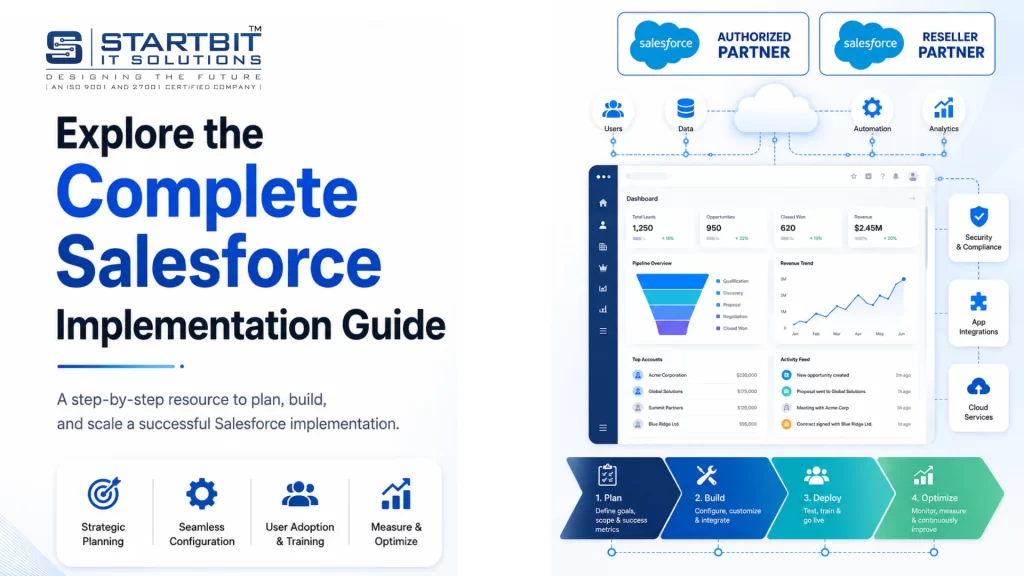
Salesforce Implementation Services help businesses set up, customize, integrate, migrate, automate, and optimize Salesforce CRM based on their sales, service, marketing, and operational workflows.
Startbit IT Solutions provides end-to-end Salesforce implementation services for businesses that want to move from manual processes, spreadsheets, outdated CRMs, or disconnected systems to a scalable Salesforce CRM platform.
Our Salesforce implementation experts help you plan the right CRM roadmap, configure Salesforce correctly, migrate clean data, automate workflows, integrate third-party tools, train users, and provide ongoing post-launch support.
What Are Salesforce Implementation Services?
Salesforce Implementation Services include the complete process of setting up Salesforce CRM for a business. This includes business analysis, Salesforce configuration, customization, data migration, integration, automation, testing, user training, deployment, and ongoing optimization.
A successful Salesforce implementation helps businesses centralize customer data, improve sales visibility, automate manual tasks, manage customer relationships, and make better decisions with real-time reporting.
Why Businesses Need Salesforce Implementation Services
Salesforce is a powerful CRM platform, but it must be implemented correctly to deliver real business value. Without proper planning, Salesforce can become difficult to use, poorly adopted, or misaligned with business workflows.
With professional Salesforce implementation, your business can:
- Centralize customer, sales, and service data
- Improve lead and opportunity management
- Automate repetitive sales and service tasks
- Track customer interactions in one CRM system
- Improve reporting and forecasting
- Increase sales team productivity
- Reduce manual data entry
- Improve customer support workflows
- Integrate Salesforce with existing business tools
- Build a scalable CRM foundation for future growth
Our Salesforce Implementation Services
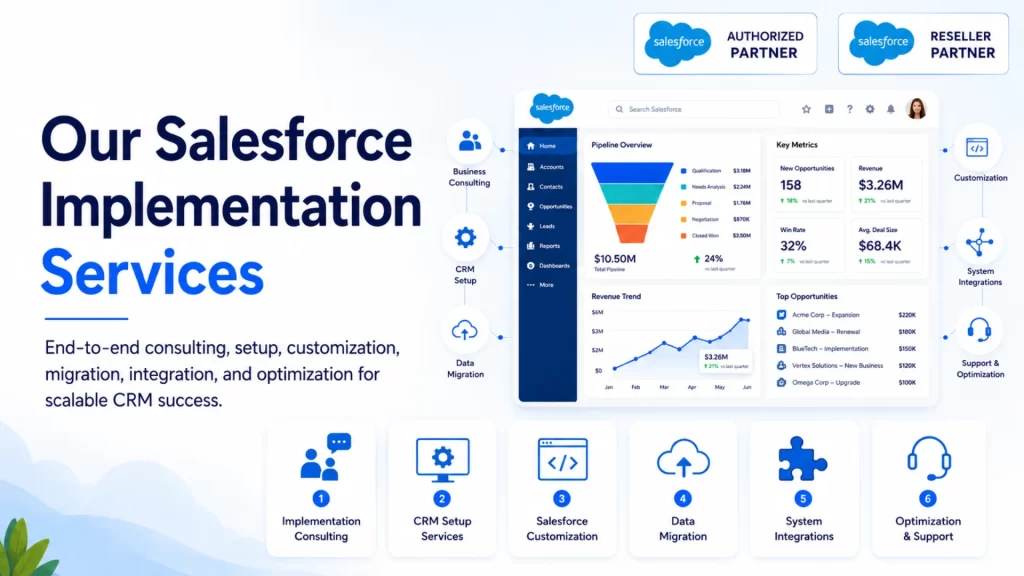
1. Salesforce Implementation Consulting
Startbit helps you plan the right Salesforce implementation strategy before the actual setup begins. We analyze your current workflows, business goals, data structure, user roles, reporting needs, and integration requirements.
Our Salesforce consulting includes:
- CRM requirement analysis
- Business process review
- Salesforce roadmap planning
- Salesforce cloud selection
- Implementation scope planning
- Data migration strategy
- Integration planning
- Automation planning
- User adoption planning
- Post-launch optimization strategy
This ensures your Salesforce CRM is built according to your real business needs, not just generic system settings.
2. Salesforce CRM Setup Services
Our Salesforce CRM setup services help businesses configure Salesforce correctly from the start.
Salesforce setup includes:
- User account setup
- Company profile configuration
- Role hierarchy setup
- Permission set configuration
- Sales process setup
- Lead management setup
- Opportunity management setup
- Account and contact setup
- Page layout customization
- Record type setup
- Validation rules
- Email configuration
- Basic workflow setup
- Reports and dashboards
A clean Salesforce setup makes the CRM easier to use, easier to manage, and easier to scale.
3. Salesforce Customization Services
Every business has unique processes. We customize Salesforce to match your workflows, team structure, approval process, reporting needs, and customer journey.
Salesforce customization includes:
- Custom objects
- Custom fields
- Lightning record pages
- Page layouts
- Record types
- Validation rules
- Approval processes
- Custom workflows
- Salesforce Flow automation
- Custom dashboards
- Role-based user experience
Our approach is simple: customize Salesforce only where it improves business efficiency, user experience, or reporting value.
4. Salesforce Data Migration Services
Data migration is one of the most important parts of Salesforce implementation. Poor data migration can lead to duplicate records, reporting errors, missing customer history, and low CRM trust.
Startbit helps migrate clean and structured data from spreadsheets, legacy CRMs, ERP systems, custom software, and third-party platforms into Salesforce.
Salesforce data migration includes:
- Data audit
- Data cleaning
- Duplicate removal
- Field mapping
- Data transformation
- Test migration
- Final migration
- Data validation
- Post-migration quality check
We make sure your Salesforce CRM starts with accurate, organized, and usable data.
5. Salesforce Integration Services
Salesforce works best when it is connected with your existing business systems. We integrate Salesforce with third-party applications to improve data flow, reduce duplicate work, and create a connected business environment.
We integrate Salesforce with:
- ERP systems
- Accounting software
- eCommerce platforms
- Marketing automation tools
- Payment gateways
- Customer support tools
- Microsoft 365
- Google Workspace
- Power BI
- Tableau
- Websites
- Custom APIs
- Third-party business applications
Salesforce integration helps your teams work from one connected source of customer and business data.
6. Salesforce Automation Services
Salesforce automation helps businesses reduce manual work and improve process speed.
Common Salesforce automation examples:
- Lead assignment automation
- Follow-up reminders
- Sales approval workflows
- Quote approval processes
- Customer onboarding automation
- Case assignment
- SLA-based service workflows
- Renewal reminders
- Internal task creation
- Email notifications
- Sales pipeline automation
Automation makes Salesforce more powerful by helping your team save time and follow consistent processes.
7. Salesforce Reports and Dashboards
Salesforce reports and dashboards help business leaders track performance, identify gaps, and make better decisions.
We create dashboards for:
- Sales pipeline
- Lead conversion
- Opportunity tracking
- Revenue forecasting
- Sales team activity
- Customer service performance
- Case resolution
- Marketing campaigns
- Executive KPIs
- Customer lifecycle tracking
With the right dashboards, Salesforce becomes a decision-making system, not just a data entry tool.
8. Salesforce User Training and Adoption
User adoption is critical for Salesforce success. Even the best CRM setup will fail if your team does not use it properly.
Our Salesforce training includes:
- Admin training
- Sales team training
- Service team training
- Role-based user training
- Dashboard training
- Workflow training
- Data entry best practices
- User adoption support
- Post-launch Q&A support
We help your team understand how to use Salesforce in daily business operations.
9. Salesforce Post-Launch Support and Optimization
Salesforce implementation does not end after go-live. After launch, your CRM needs monitoring, improvements, workflow updates, reporting enhancements, and user support.
Post-launch Salesforce support includes:
- Issue fixing
- Workflow improvements
- Dashboard updates
- User support
- Admin support
- Automation optimization
- Security review
- Data quality improvement
- New feature configuration
- Managed Salesforce support
Continuous optimization helps your Salesforce CRM improve as your business grows.
Explore Every Stage of Salesforce Implementation
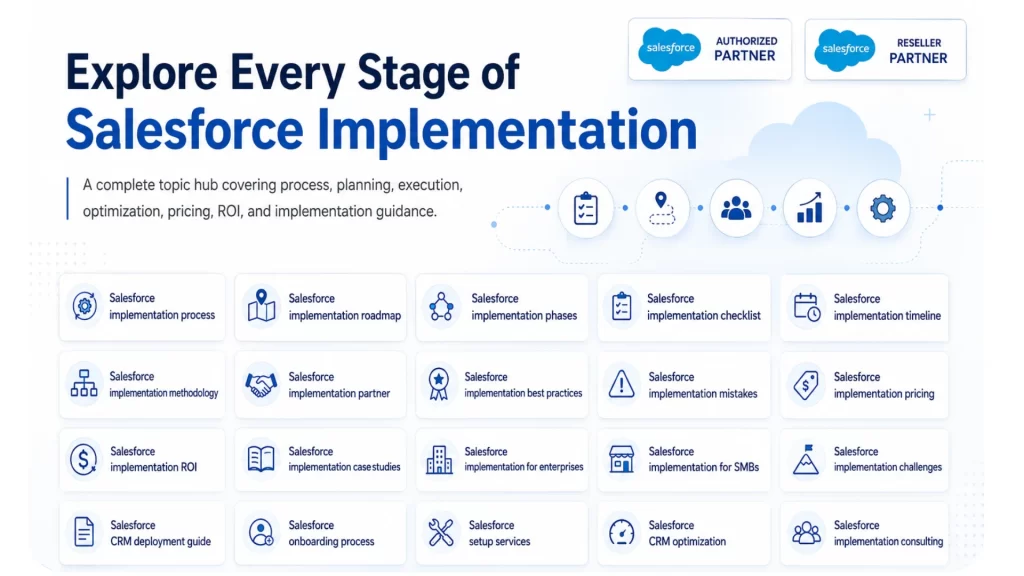
Salesforce implementation is not just about setting up a CRM. It requires a clear process, roadmap, checklist, timeline, pricing plan, best practices, and post-launch optimization strategy. Explore these Salesforce implementation guides to understand every stage, avoid common mistakes, and build a CRM system that supports long-term business growth.
1. Salesforce Implementation Process
The Salesforce implementation process includes discovery, planning, solution design, configuration, customization, data migration, integration, testing, training, and go-live support. A clear process helps businesses reduce risk and launch Salesforce successfully.
2. Salesforce Implementation Roadmap
A Salesforce implementation roadmap defines the complete journey from CRM planning to post-launch optimization. It helps businesses understand project scope, timeline, key milestones, required resources, and expected outcomes.
3. Salesforce Implementation Phases
Salesforce implementation phases usually include requirement gathering, planning, design, configuration, data migration, integration, testing, training, deployment, and optimization. Each phase plays an important role in successful CRM adoption.
4. Salesforce Implementation Checklist
A Salesforce implementation checklist helps businesses prepare before starting the CRM project. It includes business goals, stakeholder roles, data readiness, integration needs, automation requirements, user training, and launch planning.
5. Salesforce Implementation Timeline
The Salesforce implementation timeline depends on project scope, number of users, customization needs, integrations, and data migration complexity. A simple setup may take a few weeks, while an enterprise implementation can take several months.
6. Salesforce Implementation Methodology
A strong Salesforce implementation methodology follows a step-by-step approach to planning, configuration, testing, deployment, and optimization. This helps ensure better user adoption, clean data, and scalable CRM performance.
7. Salesforce Implementation Partner
A Salesforce implementation partner helps businesses set up Salesforce correctly, avoid costly mistakes, migrate data safely, integrate systems, and improve user adoption. Choosing the right partner is important for long-term CRM success.
8. Salesforce Implementation Best Practices
Salesforce implementation best practices include setting clear goals, cleaning data before migration, avoiding over-customization, involving users early, testing workflows, and providing proper training before launch.
9. Salesforce Implementation Mistakes
Common Salesforce implementation mistakes include unclear requirements, poor data quality, weak planning, too many customizations, skipped testing, low user training, and no post-launch support. Avoiding these mistakes improves CRM results.
10. Salesforce Implementation Pricing
Salesforce implementation pricing depends on the number of users, Salesforce products, customization, data migration, integrations, automation, reporting, and support needs. Businesses should plan cost based on project complexity.
11. Salesforce Implementation ROI
Salesforce implementation ROI comes from better sales productivity, faster lead follow-up, improved reporting, workflow automation, better customer visibility, and reduced manual work. Proper implementation helps businesses get more value from Salesforce.
12. Salesforce Implementation Case Studies
Salesforce implementation case studies show how businesses solved CRM challenges, improved sales visibility, automated workflows, migrated data, and achieved better customer management through Salesforce implementation.
13. Salesforce Implementation for Enterprises
Salesforce implementation for enterprises requires advanced planning, complex integrations, strong security, multi-team workflows, role hierarchy, approval processes, data governance, and long-term CRM optimization.
14. Salesforce Implementation for SMBs
Salesforce implementation for SMBs focuses on simple CRM setup, lead management, sales tracking, customer data management, basic automation, reporting, and easy user adoption for growing businesses.
15. Salesforce Implementation Challenges
Salesforce implementation challenges may include poor data quality, unclear project scope, integration issues, user resistance, reporting gaps, and complex workflows. A structured implementation approach helps solve these challenges.
16. Salesforce CRM Deployment Guide
A Salesforce CRM deployment guide explains how to move Salesforce from planning and testing to live business use. It includes deployment preparation, production setup, user access, testing validation, and go-live support.
17. Salesforce Onboarding Process
The Salesforce onboarding process helps new users understand CRM workflows, data entry rules, dashboards, reports, automation, and daily usage. Proper onboarding improves adoption and reduces user errors.
18. Salesforce Setup Services
Salesforce setup services include user configuration, role setup, permission management, lead and opportunity setup, page layouts, reports, dashboards, email settings, and basic workflow configuration.
19. Salesforce CRM Optimization
Salesforce CRM optimization improves existing Salesforce systems by fixing workflow issues, cleaning data, improving dashboards, enhancing automation, simplifying user experience, and aligning CRM with business goals.
20. Salesforce Implementation Consulting
Salesforce implementation consulting helps businesses plan the right CRM strategy, choose suitable Salesforce products, define workflows, prepare data migration, plan integrations, and create a scalable implementation roadmap.
Conclusion
Salesforce implementation is a critical step for any business that wants to centralize customer data, improve sales visibility, automate workflows, and build a scalable CRM system. A successful implementation is not only about setting up Salesforce; it requires the right strategy, clean data migration, proper customization, smooth integrations, user training, and continuous post-launch optimization.
With the right Salesforce implementation partner, businesses can avoid common CRM mistakes, improve user adoption, and get more value from Salesforce over time. Startbit IT Solutions helps businesses plan, configure, customize, integrate, migrate, and optimize Salesforce CRM with a structured approach focused on long-term business growth.
If your business is planning to implement Salesforce or improve an existing CRM setup, now is the right time to build a strong Salesforce foundation that supports better customer management, smarter reporting, and future-ready digital transformation