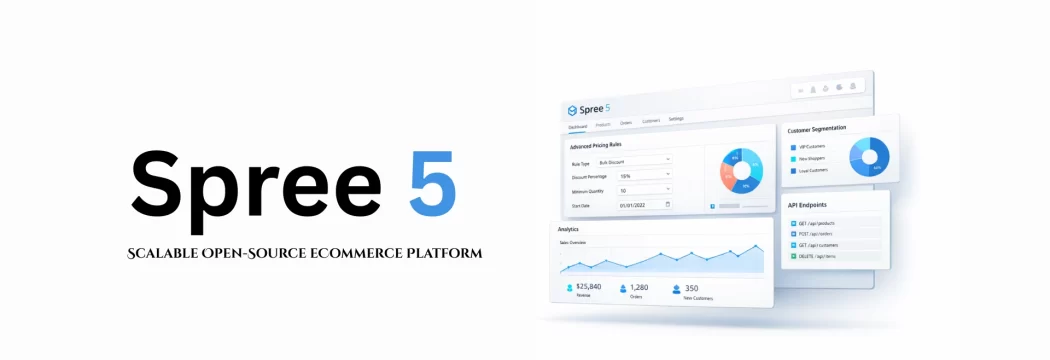
Why Spree 5 Is the Scalable, Open-Source eCommerce Platform Built for What Comes Next
Your eCommerce platform should help you grow - not slow you down. But that’s what happens to many businesses. At the beginning, SaaS platforms feel easy and fast. You launch quickly and start selling. Then your revenue grows. Your operations become more complex. And suddenly, you’re paying thousands every month for apps, dealing with customization limits, and realizing you don’t fully control the platform your business depends on. If you're: A startup founder losing margin to transaction fees An enterprise leader worried about rising platform costs An eCommerce manager stuck with rigid workflows A CTO tired of working around platform limitations There is a better option. Spree Commerce 5 is the biggest upgrade in its 16-year history. It redefines what open-source eCommerce can do - giving growing businesses more control,…