

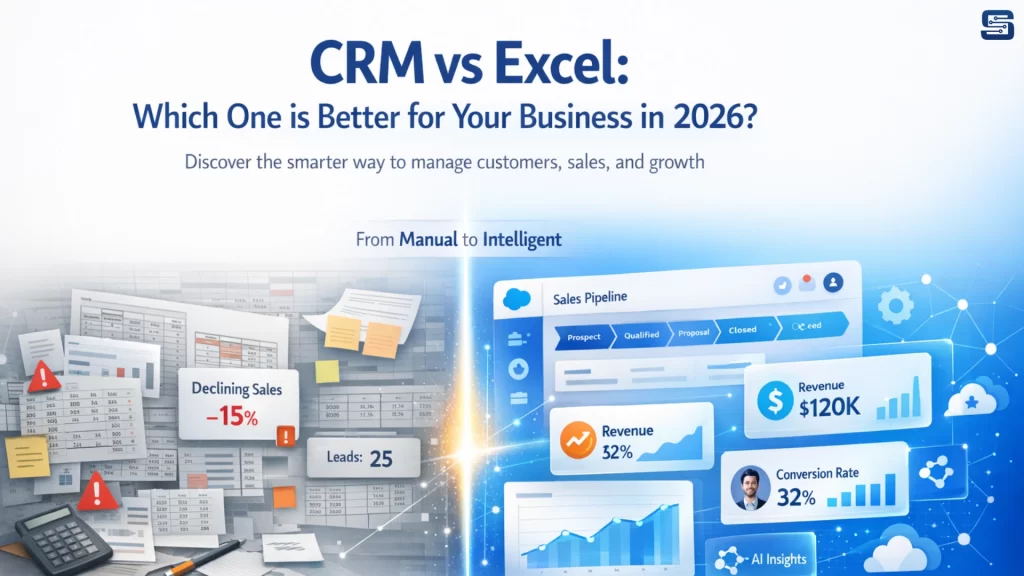
What is Excel (Spreadsheets)?
Microsoft Excel is a widely used spreadsheet tool that helps businesses store data, track sales, and perform calculations. It’s simple, flexible, and doesn’t require a big investment, which makes it a popular starting point for managing customer information and basic reports.
However, Excel is not designed for managing customer relationships. It works mainly as a data storage tool, which means everything depends on manual effort—data entry, updates, and organization. There are no built-in reminders, automation, or smart features to help manage leads or follow-ups.
What is CRM Software?
CRM (Customer Relationship Management) software is designed to help businesses manage customer relationships, not just store data. It acts as a central place where all customer details, sales activities, and communication are organized and easily accessible for the whole team.
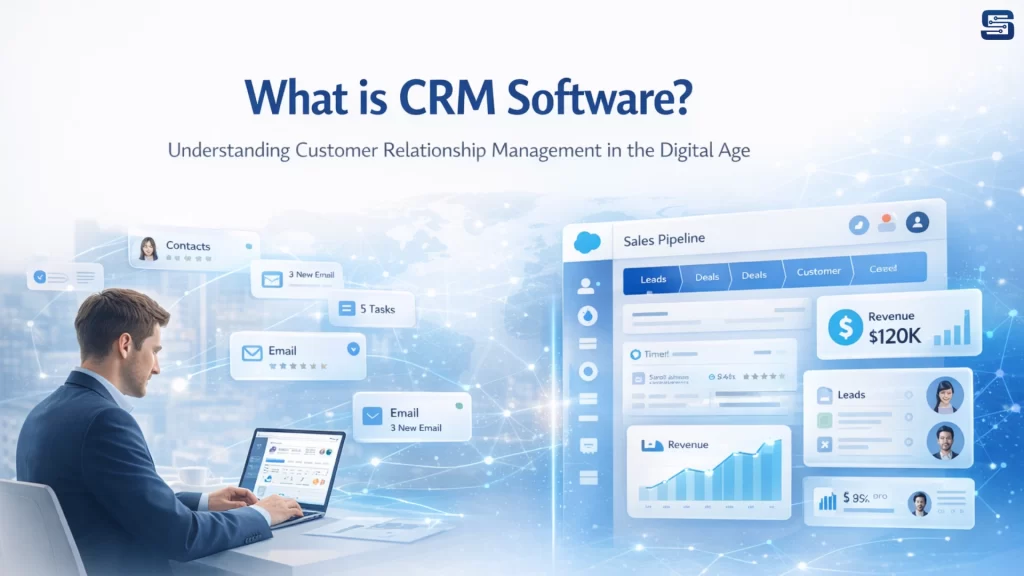
Unlike spreadsheets, CRM systems automate tasks. They can assign leads, set follow-up reminders, and even send emails automatically, saving time and reducing manual work.
CRM tools also provide useful insights like sales performance and customer behavior, helping businesses make better decisions. Plus, they can connect with other tools like email and marketing platforms, making everything work together smoothly.
Core Differences Between CRM and Excel
1. Data Management and Organization
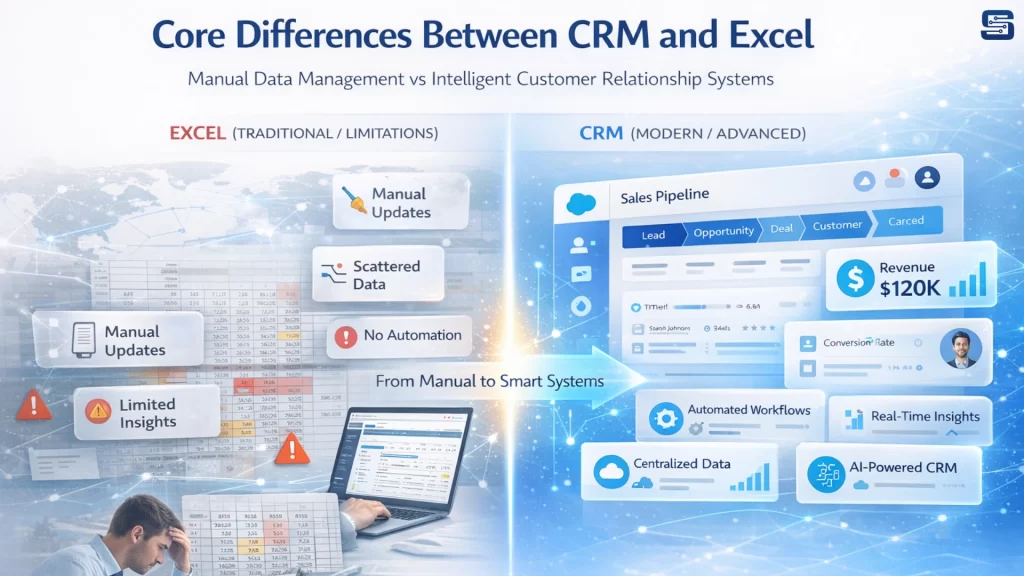
Microsoft Excel stores data in rows and columns, often across multiple sheets and files. This can work in the early stages, but as data grows, it becomes fragmented and difficult to manage.
CRM (Customer Relationship Management) software solves this by centralizing all data in one place. Each customer has a complete profile that includes interactions, history, and activities. This unified structure gives businesses a clear and organized view, making it easier to understand and manage relationships. Additionally, CRM systems support real-time updates, ensuring all team members access the same, up-to-date information without duplication or confusion.
2. Automation Capabilities
Excel relies heavily on manual effort. Tasks like follow-ups, lead tracking, and updates must be handled manually, increasing the risk of missed opportunities and inefficiencies.
CRM systems are built with automation at their core. Workflows can be configured to automatically assign leads, schedule follow-ups, send emails, and update deal stages. This not only saves time but also ensures consistency and improves overall productivity by reducing repetitive tasks.
3. Collaboration and Team Efficiency
Collaboration in Excel can be challenging, especially when multiple users are involved. File sharing, version control issues, and data inconsistencies often slow down team productivity.
CRM platforms are designed for seamless collaboration. Teams can work simultaneously, track activities, share notes, and stay aligned in real time. This improves communication, reduces errors, and enhances overall efficiency.
4. Reporting and Insights
While Excel can generate reports, it requires manual setup, formulas, and continuous maintenance. This process is time-consuming and prone to human error.
CRM systems provide automated dashboards and real-time analytics. Businesses can instantly track sales performance, monitor pipelines, and analyze customer behavior. These insights enable faster, data-driven decision-making and give organizations a strategic advantage.
Limitations of Excel for Business Growth
Manual Work and Time Consumption
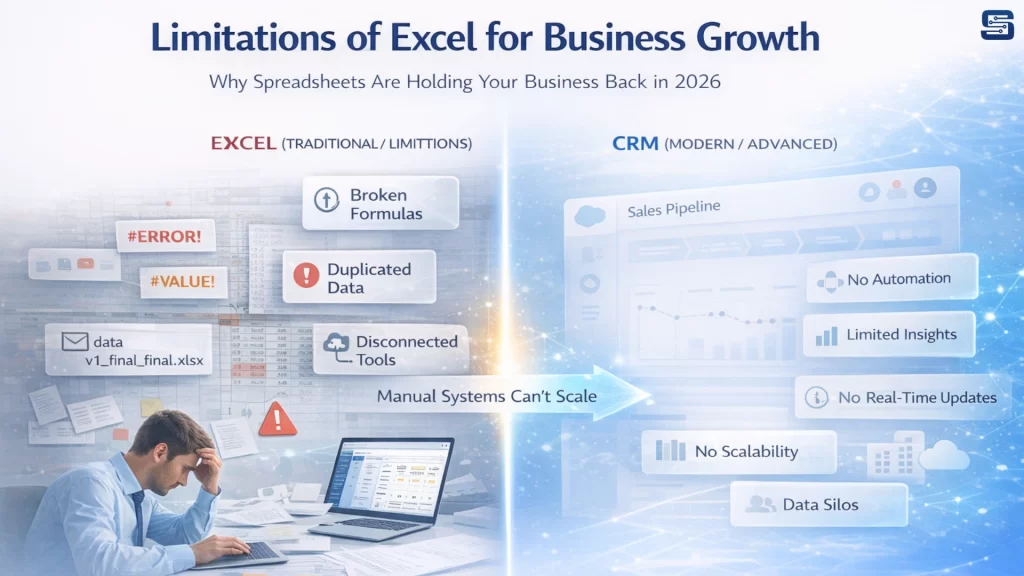
One of the biggest drawbacks of Excel is the sheer amount of manual effort required. Every data entry, update, and calculation depends on human input. As your customer base grows, this becomes increasingly unsustainable.
Lack of Automation
Without automation, businesses struggle to keep up with customer interactions. Missed follow-ups, delayed responses, and inconsistent communication become common issues.
Data Duplication and Disorganization
Multiple spreadsheets often lead to duplicated data and inconsistencies. This makes it difficult to maintain accuracy and trust in your data.
Scalability Challenges
Excel simply isn’t built for scale. As data grows, performance slows down, and managing files becomes increasingly complex. This limits your ability to grow efficiently.
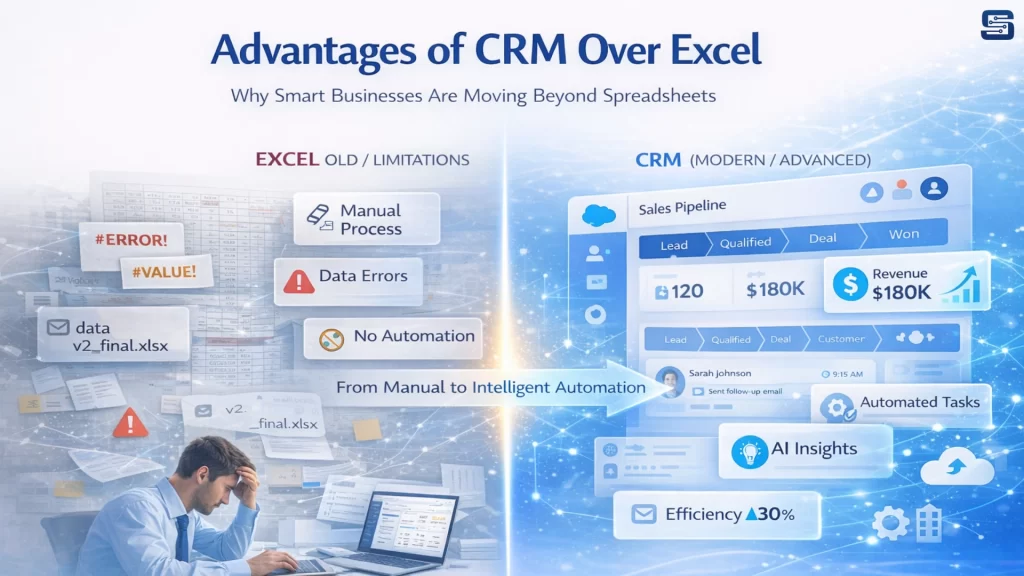
Advantages of CRM Over Excel
1. Workflow Automation and Productivity
CRM systems automate routine tasks such as lead assignment, follow-ups, and email communication. This reduces manual effort and allows teams to focus on high-value activities like closing deals and building customer relationships, ultimately improving productivity.
2. Centralized Customer Data
A CRM provides a single, unified platform where all customer information is stored and updated in real time. This improves data visibility, ensures consistency, and enables teams to make faster, more informed decisions while delivering a better customer experience.
3. Advanced Analytics and Forecasting
CRM tools offer built-in analytics and reporting features that deliver actionable insights into sales performance, customer behavior, and revenue trends. These insights help businesses forecast more accurately and make data-driven strategic decisions.
4. Security and Data Protection
CRM systems are designed with strong security measures, including role-based access control and data encryption. This ensures that sensitive customer information is protected, offering a higher level of security and reliability compared to spreadsheets like Microsoft Excel.
Popular CRM Tools Examples
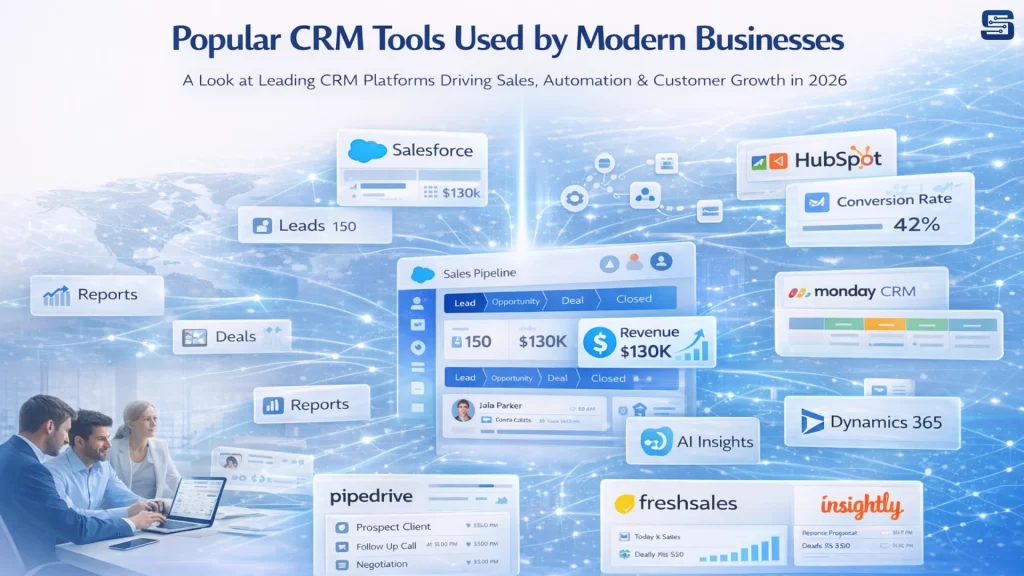
To better understand how CRM works in real-world scenarios, here are some of the most widely used CRM platforms, categorized by business needs and size:
Enterprise-Level CRM Solutions
These are best suited for large organizations with complex workflows and scalability needs:
- Salesforce CRM
A market-leading CRM known for advanced customization, powerful automation, and enterprise scalability. Ideal for large businesses with complex sales processes. - Microsoft Dynamics 365
A robust CRM integrated with Microsoft tools, offering deep analytics, AI capabilities, and seamless integration with business applications.
Mid-Sized Business CRM Solutions
Designed for growing businesses that need a balance of features and affordability:
- Zoho CRM
A cost-effective solution with strong features like sales automation, analytics, and multi-channel communication. - Pipedrive
A sales-focused CRM with a visual pipeline, making it easy to track deals and improve sales performance. - Freshsales
Offers built-in email, phone, and AI-based insights, making it a strong choice for sales-driven teams.
CRM for Startups and Small Businesses
Simple, easy-to-use tools for teams just getting started:
- HubSpot CRM
A popular free CRM with strong marketing automation and user-friendly interface, ideal for startups. - Insightly
Combines CRM with project management features, making it useful for small teams managing both sales and delivery. - Streak CRM
A lightweight CRM that works directly inside Gmail, perfect for small teams managing communication-heavy workflows.
When Excel is Still a Good Choice
Microsoft Excel continues to be a practical solution for startups, freelancers, and small businesses with limited data and simple processes. When customer volume is low and workflows are straightforward, Excel provides enough flexibility to manage basic tasks like maintaining contact lists, tracking sales, and generating simple reports.
It is especially useful in early-stage operations where budgets are tight and there is no immediate need for automation or advanced analytics. For businesses that prioritize simplicity and low cost over scalability, Excel remains a reliable starting point.
When to Switch from Excel to CRM
As your business grows, Excel can start creating more challenges than value. Common signs that indicate it’s time to switch to a CRM system include:
- Missed follow-ups and lost leads due to lack of reminders or automation
- Scattered and inconsistent data across multiple files or versions
- Collaboration issues, especially when multiple team members access and update data
- Increased manual workload, leading to inefficiencies and errors
At this stage, a CRM becomes essential to streamline operations, improve visibility, and support continued growth.
Cost Comparison: CRM vs Excel
| Factor | Excel | CRM |
| Initial Cost | Low | Subscription-based |
| Efficiency | Low | High |
| Long-Term Value | Limited | Strong ROI |
While Excel has a clear advantage in terms of low upfront cost, it lacks efficiency and scalability. CRM systems, although subscription-based, deliver significant long-term value by saving time, reducing manual errors, and improving team productivity.
More importantly, CRM platforms help increase revenue through better customer management, automation, and data-driven decision making them a strategic investment rather than just an operational expense.
Hybrid Approach: Using CRM and Excel Together
A hybrid approach allows businesses to leverage the strengths of both CRM systems and Microsoft Excel. Instead of completely replacing Excel, many organizations use CRM as the primary system for managing daily operations, while Excel is used for specific analytical or reporting needs.
CRM handles core activities such as lead management, customer interactions, sales tracking, and automation. It ensures that all data is centralized, up-to-date, and accessible across teams. On the other hand, Excel remains useful for flexible data analysis, custom calculations, financial modeling, and ad-hoc reporting where more control over formulas and data manipulation is required.
This combination offers both efficiency and flexibility. Teams benefit from CRM’s automation and structure while still having the freedom to perform deeper analysis in Excel when needed. However, for this approach to work effectively, businesses must ensure proper data synchronization between the two systems to avoid inconsistencies or duplication.
Which One Should You Choose?
Choosing between Excel and CRM ultimately depends on your business stage and goals. Excel is an excellent starting point, it’s cost-effective, easy to use, and sufficient for managing small volumes of data with simple workflows.
However, as your business grows, the limitations of Excel become more evident. Manual processes, lack of automation, and data fragmentation can slow down operations and impact productivity.
CRM systems, in contrast, are built for scalability. They provide automation, real-time collaboration, advanced analytics, and a centralized view of customer data. These capabilities not only improve efficiency but also enable better decision-making and stronger customer relationships.
In essence:
- Use Excel if your operations are simple and your data is limited.
- Adopt CRM when your focus shifts to growth, efficiency, and long-term scalability.
For most growing businesses, CRM is not just a tool—it becomes a critical system that supports sustainable growth and competitive advantage.
Conclusion
Microsoft Excel is a good starting tool for small businesses, but it becomes limited as your operations grow. CRM software offers automation, better organization, and scalability, making it the right choice for long-term growth.
If your goal is efficiency, better customer management, and business expansion, CRM is the smarter option.
Startbit IT Solutions helps you at every step from choosing the right CRM to implementation and optimization, so your business can grow smoothly and efficiently.
FAQ:
No, Excel can only mimic basic CRM functions but lacks automation and scalability.
Yes, CRM improves efficiency and increases revenue, delivering strong ROI.
When manual processes become overwhelming and data grows rapidly.
Absolutely, many CRM tools are designed specifically for small businesses.
Yes, many businesses use Excel for analysis and CRM for operations.